

Mouse Portal – Teleport Your Cursor
Teleport your mouse and switch between windows with magical portals—a fun and practical way to warp your cursor instantly across the screen!
 Чили
ЧилиЦены в Steam по регионам
41 регионов


Такой страны нет
Цены как на витрине магазина, налоги и комиссии при оплате могут отличаться
Скриншоты и видео
Об игре
🚀 Boost your speed with instant mouse teleportation between portals!
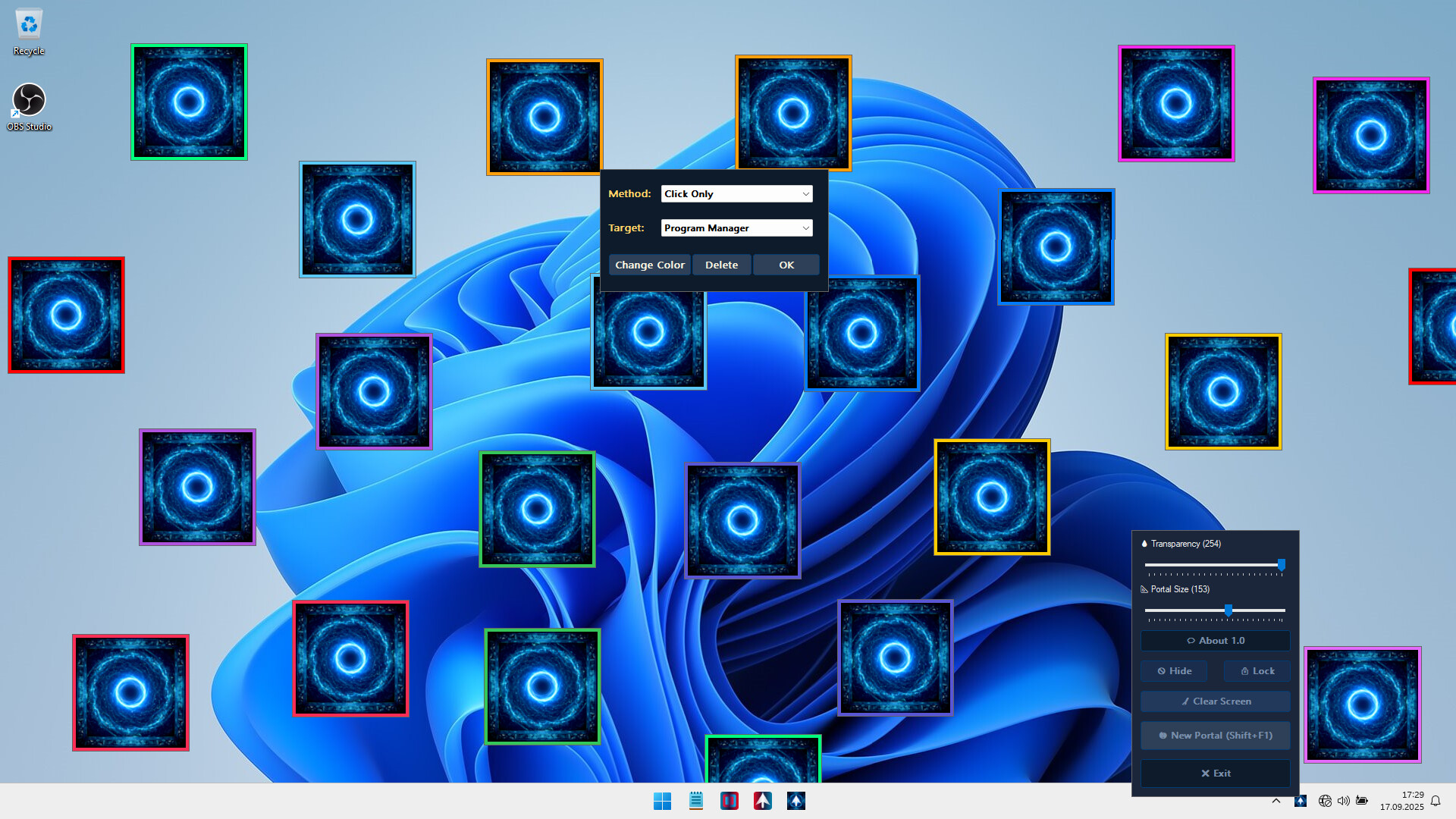
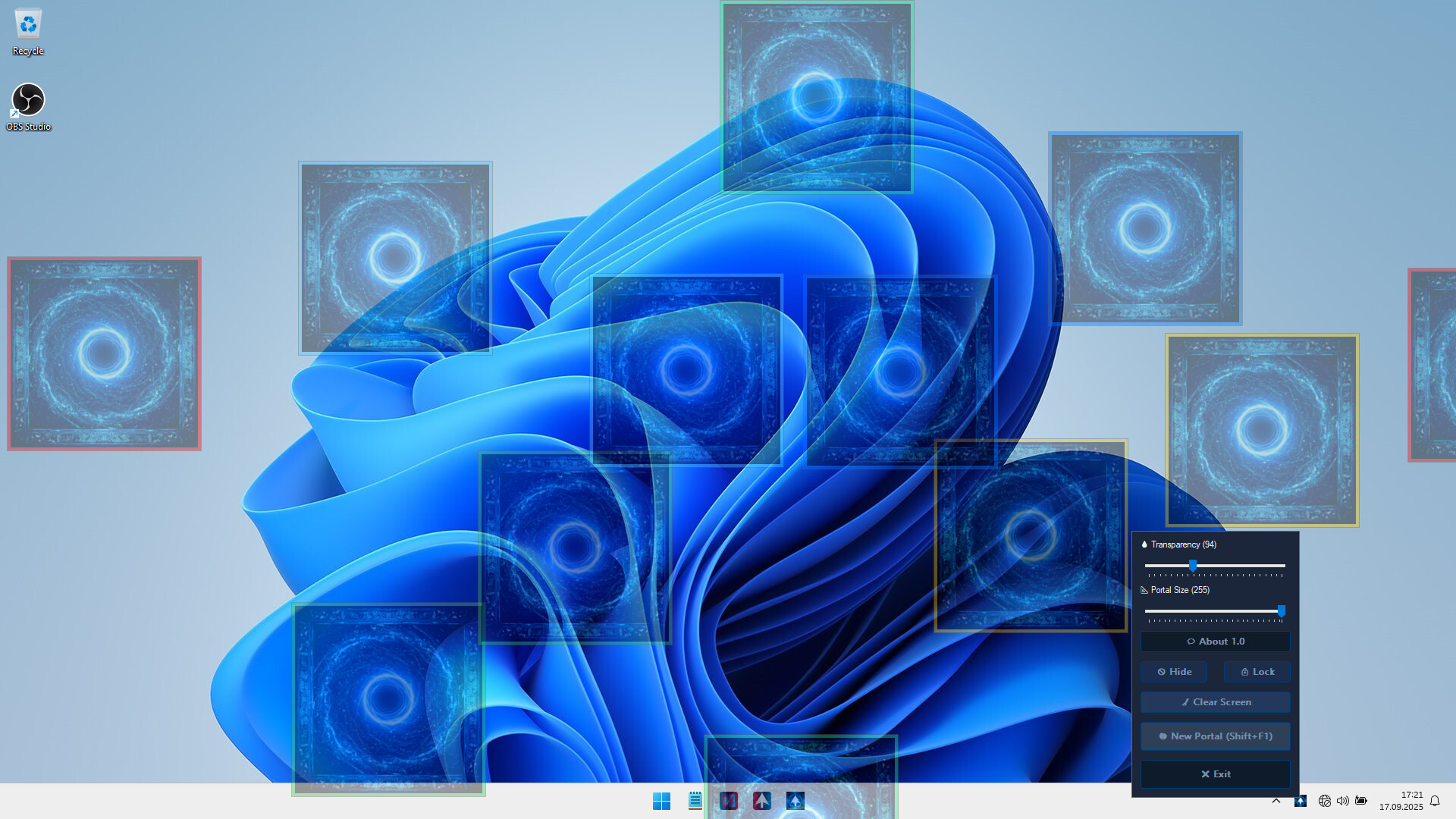
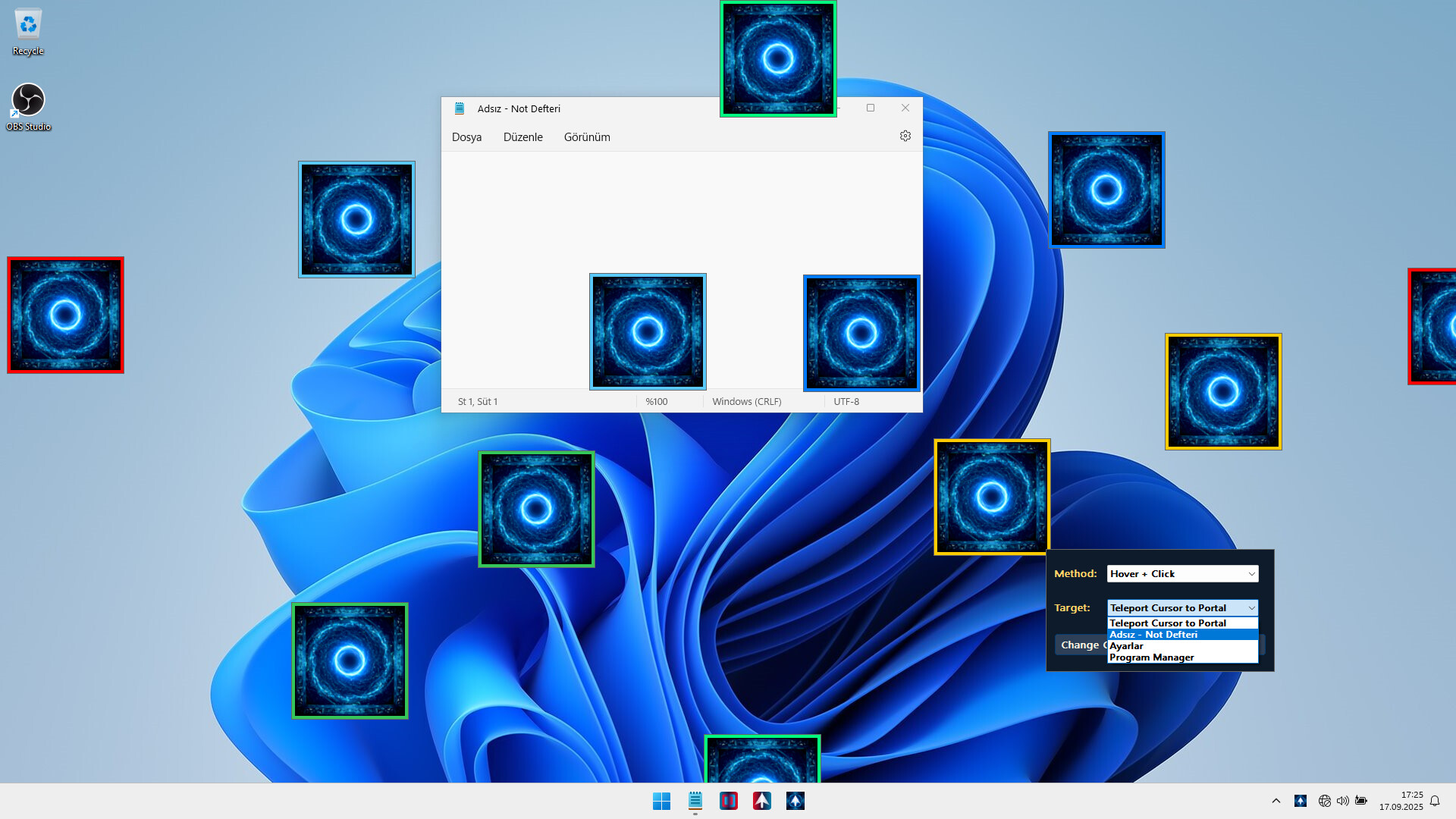
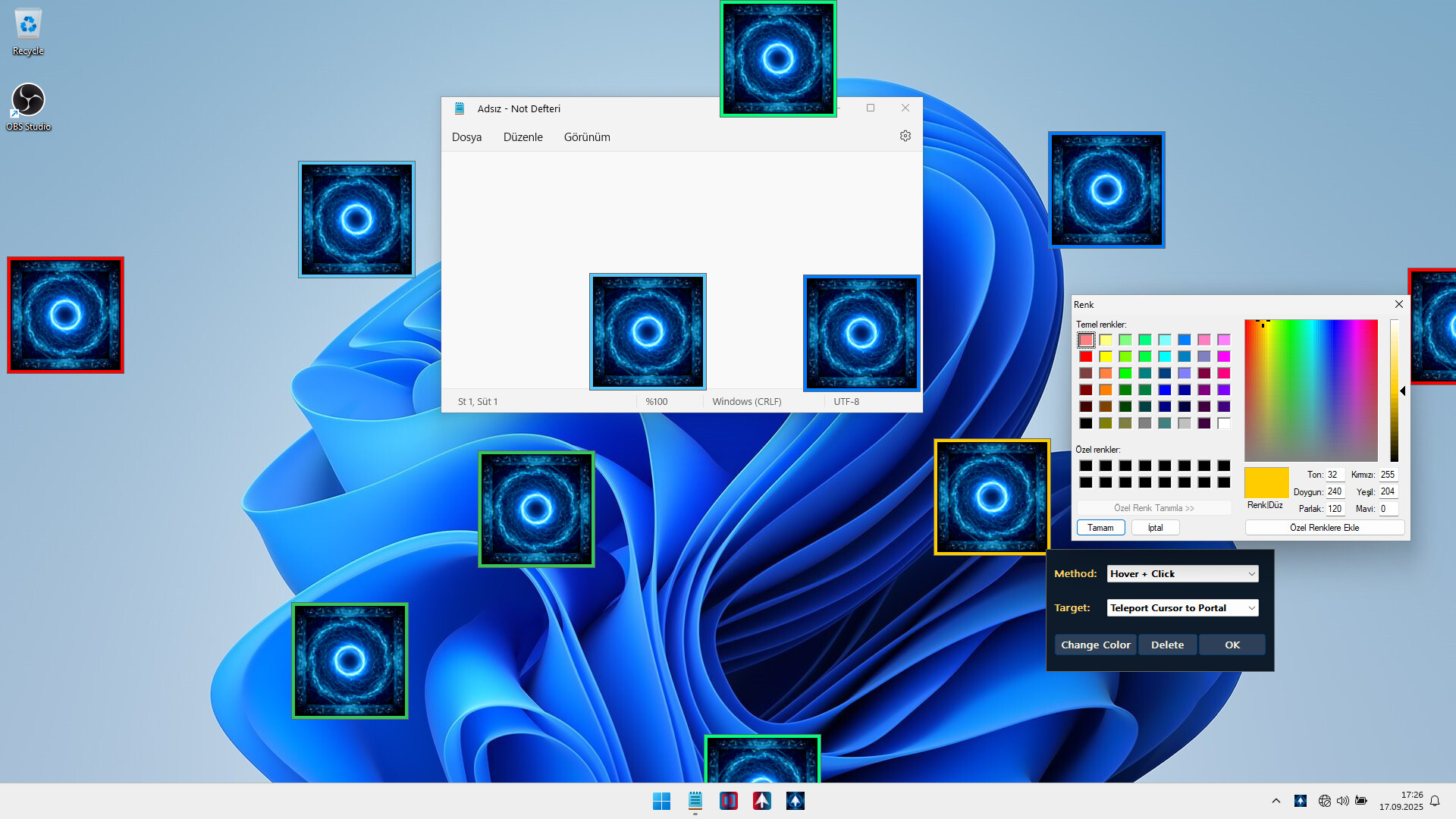
Mouse Portal: Teleport Your Cursor lets you place colorful linked squares on your screen that act as instant teleporters for your mouse. Hover, click, or drag — your cursor will jump between portals in a flash. Both fun and surprisingly useful, it’s like giving your mouse a sci-fi upgrade.
🔑 Core Features
🌀 Add unlimited Portals
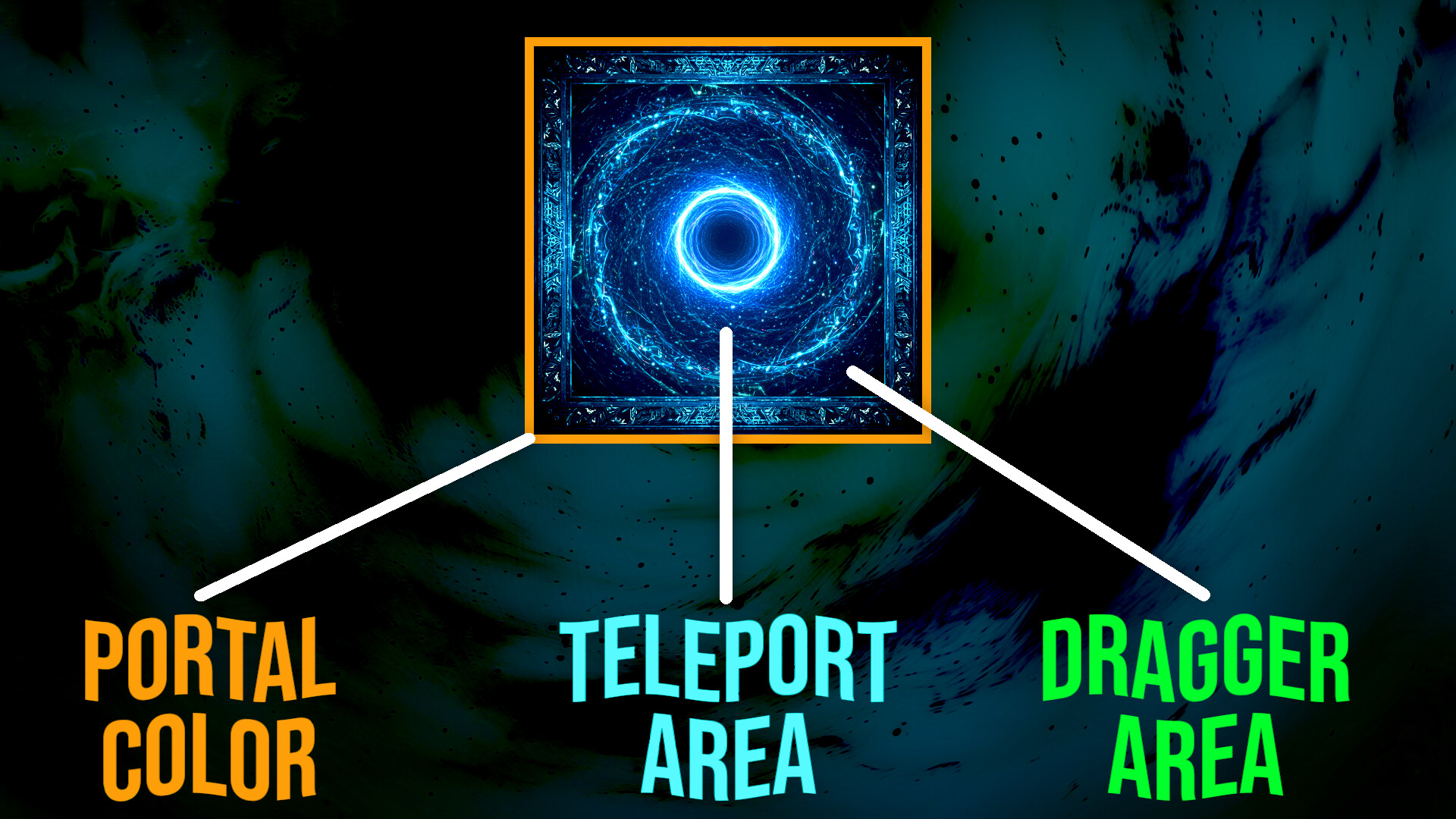
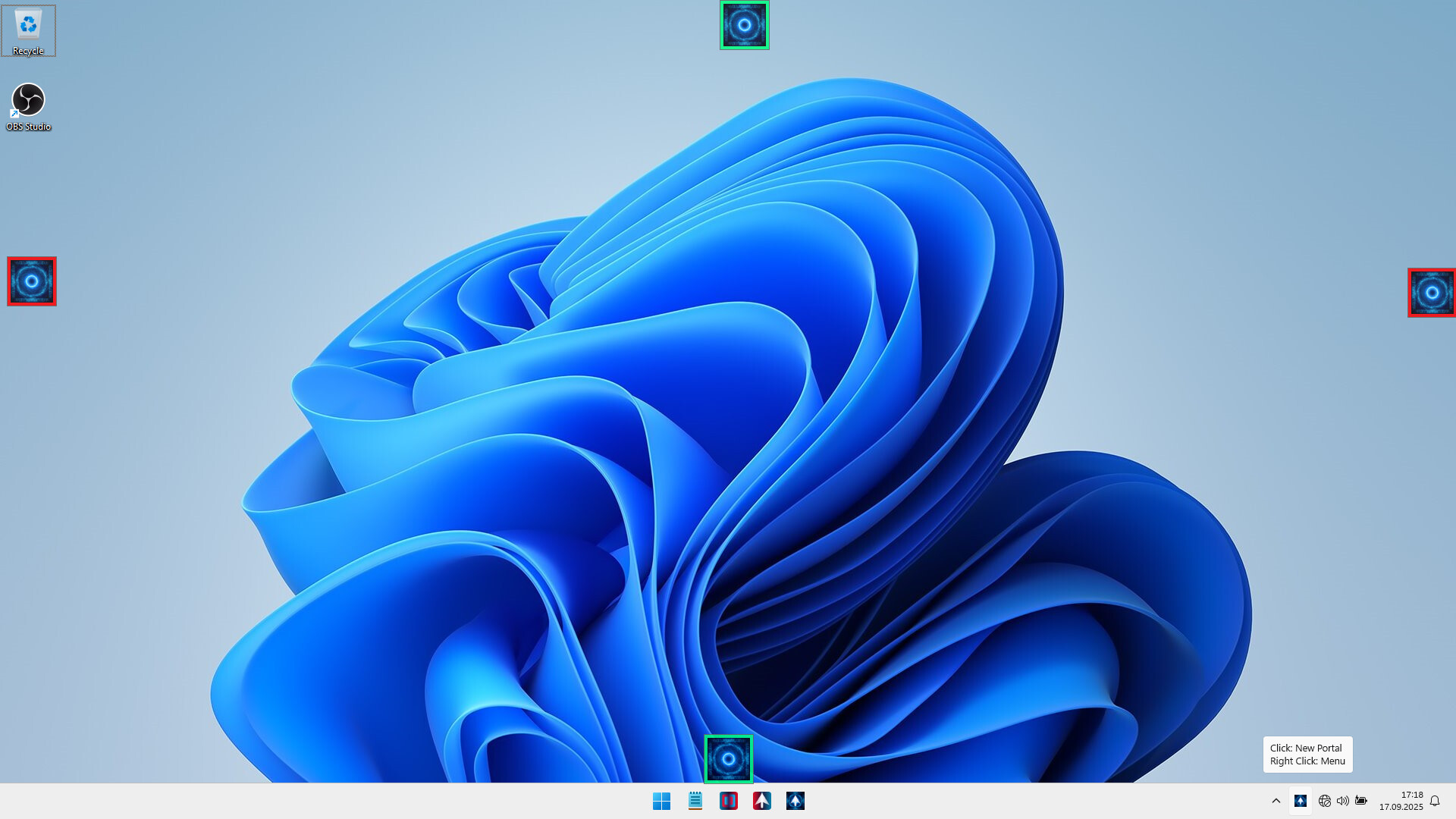
Place pairs of colorful portals anywhere on your desktop.
Each pair is uniquely colored so they never get mixed up.
🎯 Teleport Instantly
Hover your mouse for 250ms on one portal and instantly appear at its partner.
Or left-click a portal for an immediate teleport.
No accidental ping-pong: teleport only once until you exit the portal area.
🖱️ Smart Controls
Right-click a portal to delete its pair instantly.
Drag portals anywhere on screen while lock is disabled.
Shift + F1 hotkey Add a new portal pair at your cursor.
Tray icon left-click also adds a portal pair (auto-adjusted away from taskbar).
🗂️ Save & Load Automatically
Save all your portal placements and restore them automatically next time you start the app.
⚙️ Customizable Settings
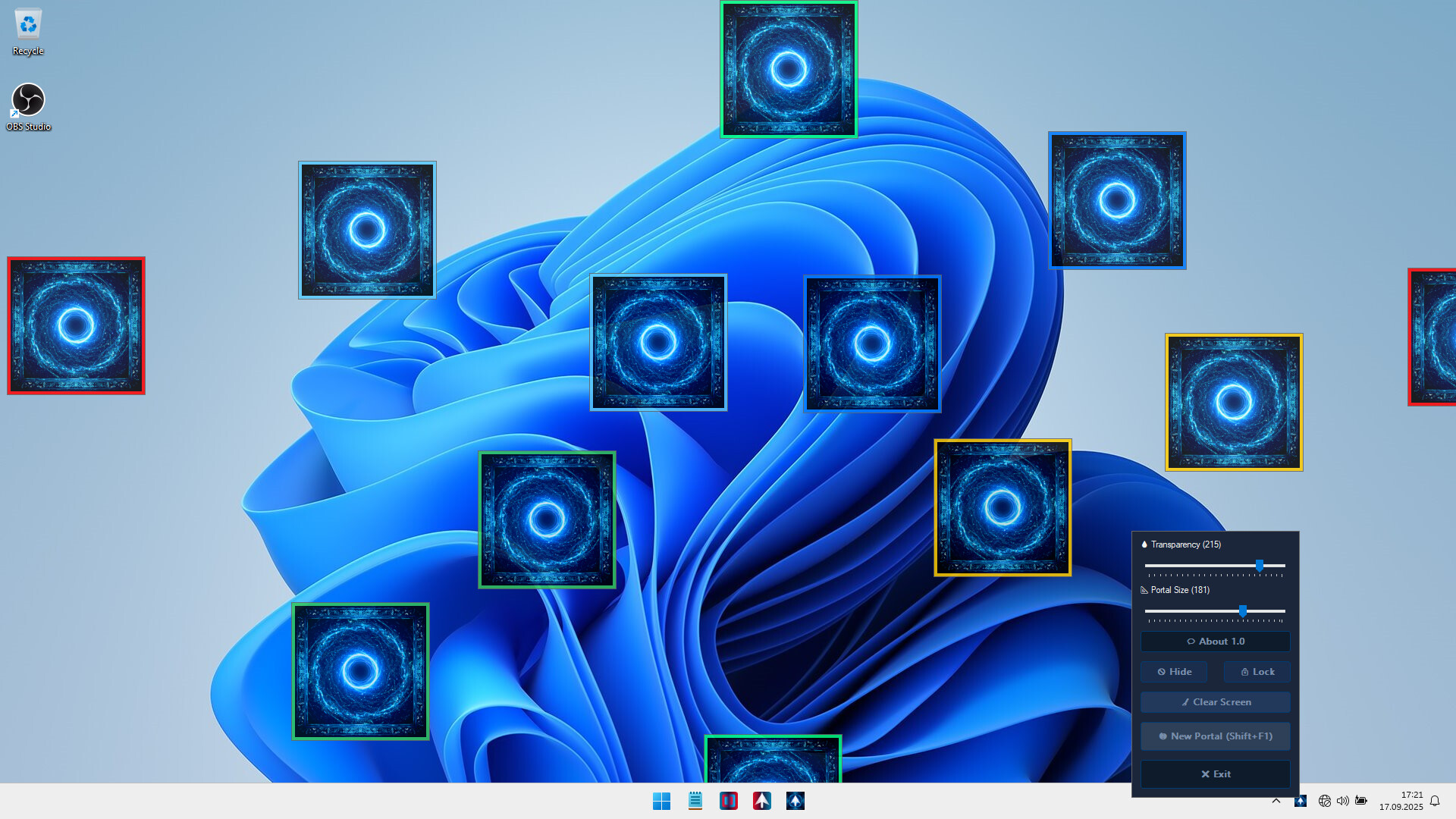
🔒 Lock/Unlock: Freeze portals or make them pass-through for clicks.
👁️ Hide/Show: Toggle portal visibility anytime.
💧 Transparency: Adjust portal opacity in real-time.
📐 Portal Size Slider: Resize all portals
💻 Lightweight & Non-Intrusive
Runs quietly in the system tray.
Easy to Use
✨ If you want to speed up your workflow, reduce mouse travel time Mouse Portal makes it fast, simple, and efficient.
Mouse Portal brings a unique, interactive twist to how you use your computer.
Сведения
- Выход
- 17 сент. 2025 г.
- В каталоге с
- 18 окт. 2026 г.
- Издатель
- istenen
- Разработчик
- istenen
- Платформы
- PC
- Жанры
- Indie, Utilities
- Возможности
- Camera Comfort, Mouse Only Option, Playable without Timed Input, Save Anytime, Touch Only Option
- Языки
- English, French, Italian, German, Spanish - Spain, Arabic, Simplified Chinese, Portuguese - Brazil, Bulgarian, Danish, Indonesian, Dutch, Finnish, Traditional Chinese, Japanese, Korean, Spanish - Latin America, Polish, Hungarian, Norwegian, Portuguese - Portugal, Romanian, Russian, Thai, Turkish, Ukrainian, Vietnamese, Greek, Czech, Swedish
Системные требования
Минимальные
Minimum:- Requires a 64-bit processor and operating system
- OS: Windows 10
- Processor: 1 GHz processor
- Memory: 1 GB RAM
- Graphics: Intel HD 520 / AMD Radeon R3
- Storage: 5 MB available space
- Sound Card: Not required
- VR Support: Not supported
Рекомендуемые
Recommended:- Requires a 64-bit processor and operating system
- OS: Windows 11
- Processor: 1.5 GHz or faster processor
- Memory: 2 GB RAM
- Graphics: NVIDIA GT 1030 / AMD Radeon RX 550 or higher
- Storage: 10 MB available space
- Sound Card: Not required
- VR Support: Not supported