
PlayStation®VR2 App
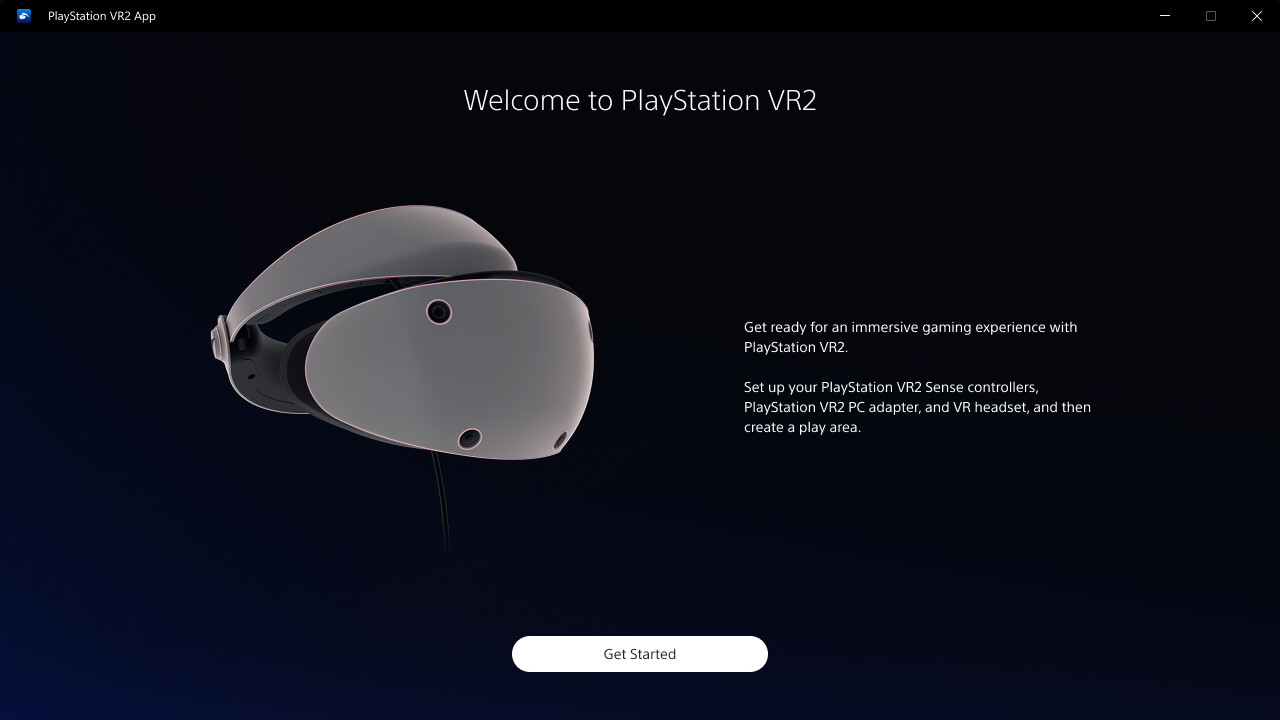
Enjoy VR games and apps on Steam with PlayStation VR2! Install PS VR2 App to use PS VR2 on your PC, set up your PS VR devices, and keep the firmware for PS VR2 headset and PS VR2 Sense controllers up to date.
Best priceFree United Arab Emirates
United Arab EmiratesIn your regionFree29 of 41
Average price—across 5 regions
Saving—between the lowest and the highest price
Steam prices by region
41 regions


No such country
Prices as the storefront shows them, taxes and fees at checkout may differ
Screenshots and videos
About
Enjoy VR games and apps on Steam with PlayStation VR2!
You'll need the following to get started with PlayStation VR2 App:
For details about the required specs for PC, visit the PlayStation VR2 support page, or refer to the "System Requirements" section below. If you install this app in a location other than the default installation directory, check your access permissions for that installation location and change them if necessary.
When connecting PlayStation VR2 Sense controllers to a PC, connection or tracking problems may occur depending on the condition of the Bluetooth devices being used or the surrounding environment. In such cases, refer to the PlayStation Support page titled "Bluetooth adapters compatible with PS VR2 on PC" for more information.
To play VR games and apps on Steam with PlayStation VR2, PlayStation VR2 App needs to be installed on your PC. Keep the app installed even after initial setup is complete.
- Play VR games and apps on Steam using your PlayStation VR2 VR headset and PlayStation VR2 Sense controllers.
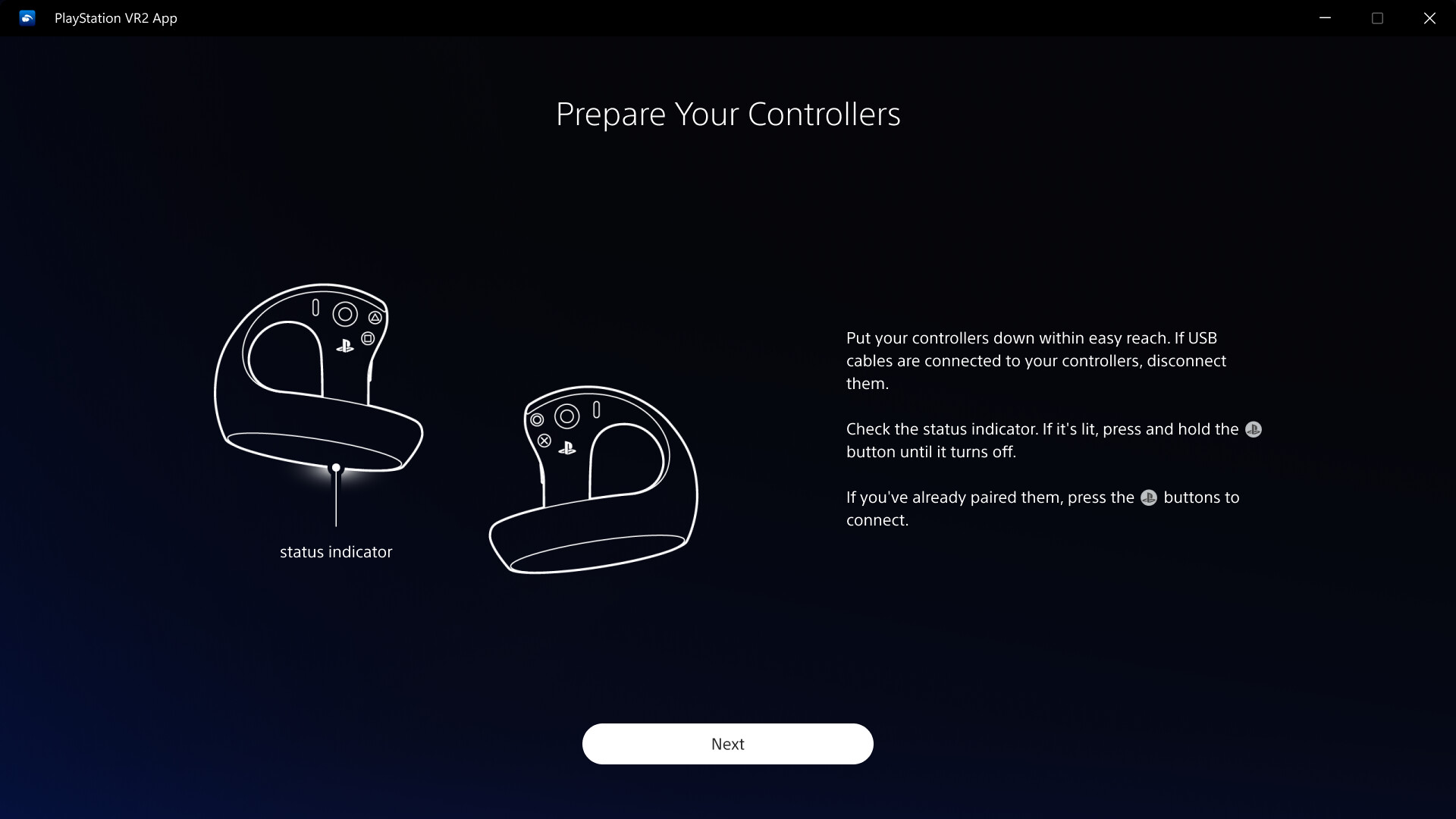
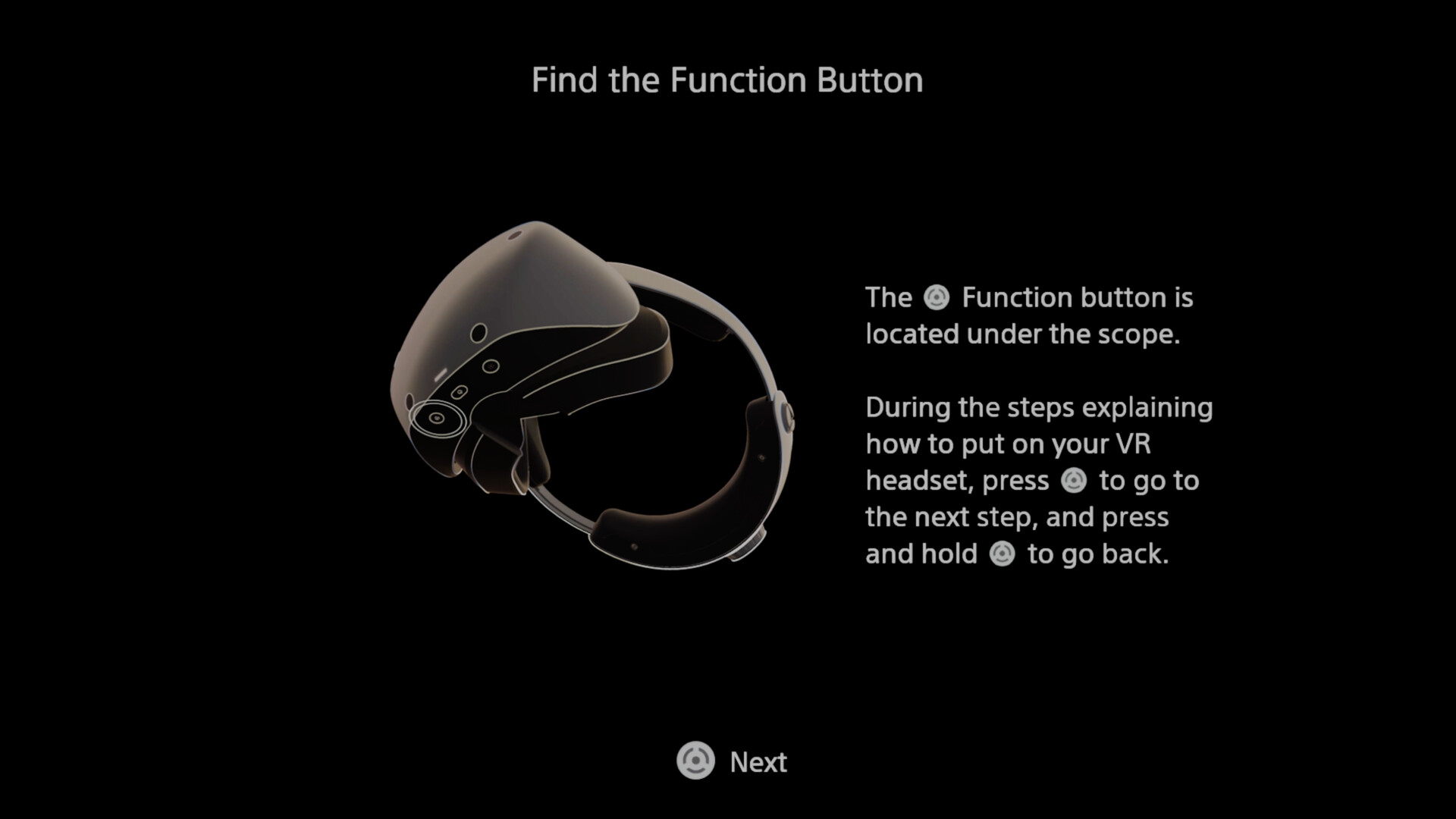
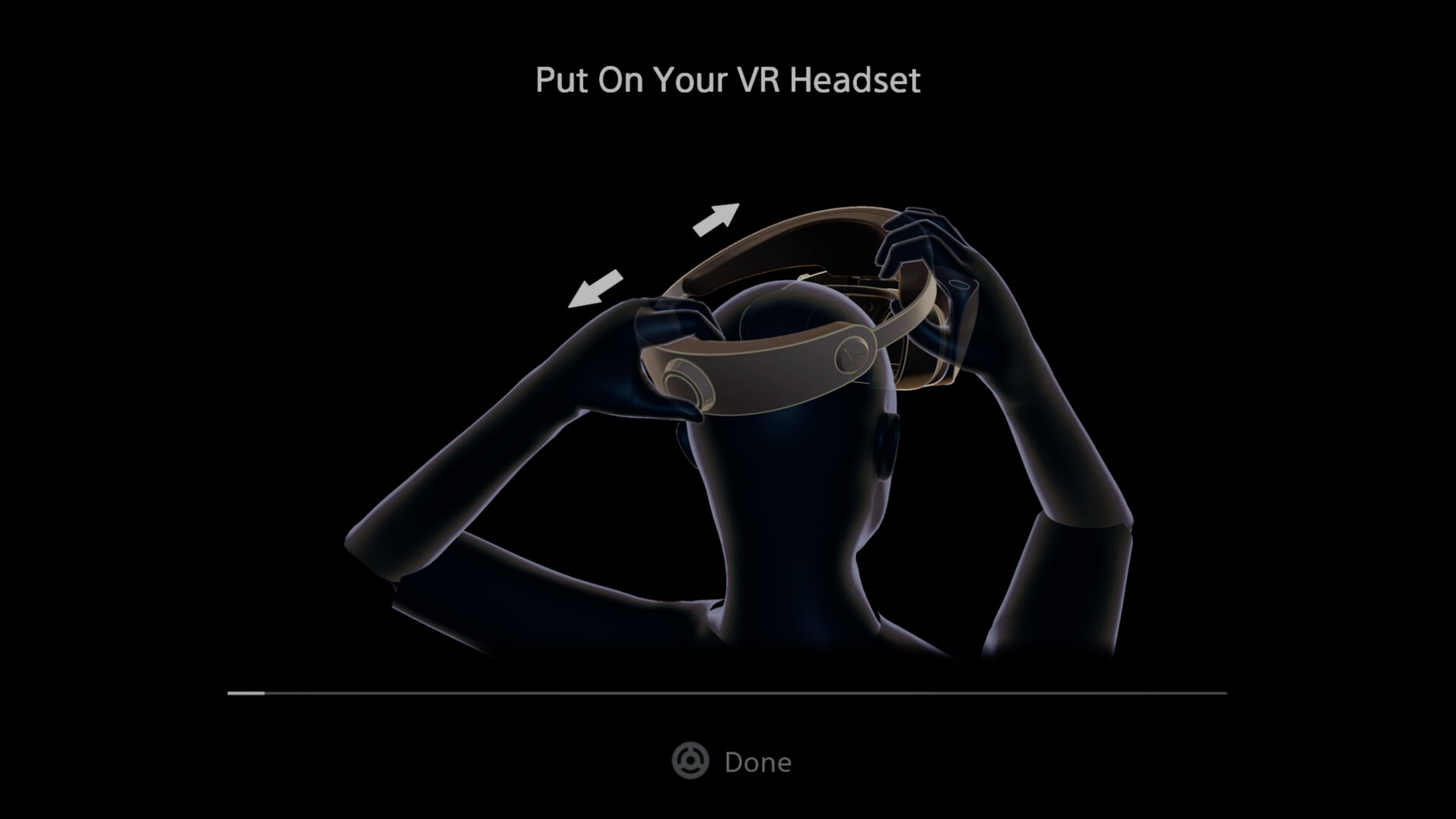
- Set up your PlayStation VR2 on your PC.
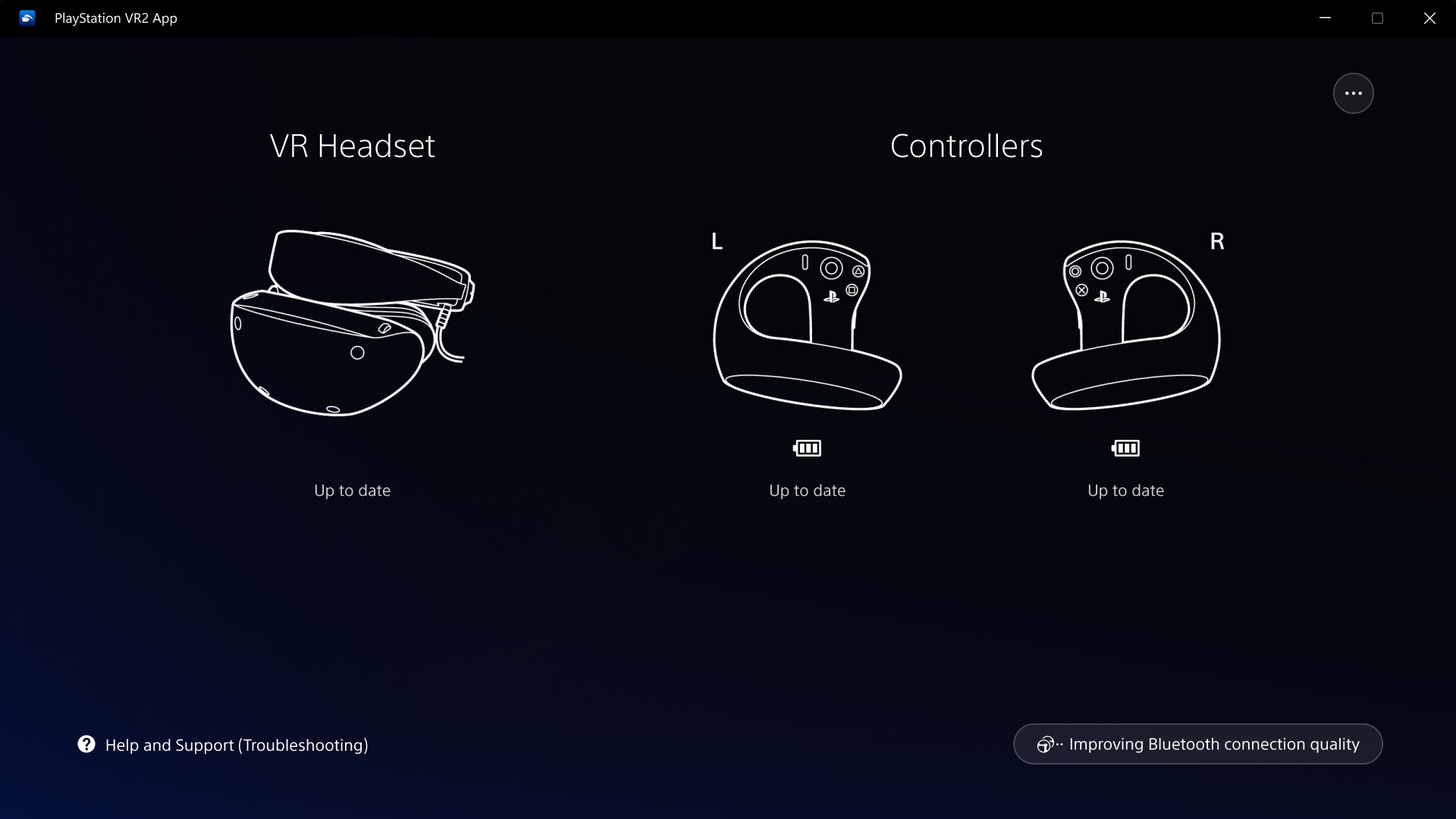
- Update the firmware for your PlayStation VR2 VR headset and PlayStation VR2 Sense controllers.
- Adjust settings for your PlayStation VR2 from the SteamVR dashboard, including setting your play area and screen brightness.
You'll need the following to get started with PlayStation VR2 App:
- PlayStation VR2 VR headset
- PlayStation VR2 Sense controllers
- PlayStation VR2 PC adapter
- DisplayPort™1.4 cable (sold separately)
- Bluetooth® adapter (sold separately, required only if your PC doesn't support Bluetooth®)
For details about the required specs for PC, visit the PlayStation VR2 support page, or refer to the "System Requirements" section below. If you install this app in a location other than the default installation directory, check your access permissions for that installation location and change them if necessary.
Using this app
When connecting PlayStation VR2 Sense controllers to a PC, connection or tracking problems may occur depending on the condition of the Bluetooth devices being used or the surrounding environment. In such cases, refer to the PlayStation Support page titled "Bluetooth adapters compatible with PS VR2 on PC" for more information.
To play VR games and apps on Steam with PlayStation VR2, PlayStation VR2 App needs to be installed on your PC. Keep the app installed even after initial setup is complete.
Facts
- Released
- Aug 6, 2024
- In catalog since
- Oct 18, 2026
- Publisher
- PlayStation Publishing LLC
- Developer
- Sony Interactive Entertainment
- Platforms
- PC
- Genres
- Free To Play, Utilities
- Languages
- English, Japanese, French, Italian, German, Spanish - Spain, Arabic, Czech, Danish, Dutch, Finnish, Greek, Hungarian, Indonesian, Korean, Norwegian, Polish, Portuguese - Brazil, Portuguese - Portugal, Romanian, Russian, Simplified Chinese, Spanish - Latin America, Swedish, Thai, Traditional Chinese, Turkish, Ukrainian, Vietnamese
- Links
- Website
System requirements
Minimum
Minimum:- Requires a 64-bit processor and operating system
- OS: Windows 10/11
- Processor: Intel Core i5 7600 / AMD Ryzen 3 3100*¹
- Memory: 8 GB RAM
- Graphics: NVIDIA GeForce GTX 1650 or later*² / NVIDIA RTX Series / AMD Radeon RX 5500XT or later / Radeon RX 6500XT or later
- Storage: 700 MB available space
- VR Support: Requires PlayStation VR2 VR headset, PlayStation VR2 Sense controllers, PlayStation VR2 PC adapter
- Additional Notes: *¹ Zen 2 or later architecture is required
*² Turing or later architecture is required
Recommended
Recommended:- Requires a 64-bit processor and operating system
- Graphics: NVIDIA GeForce RTX 3060 or later / AMD Radeon RX 6600XT or later