

Pixel Studio - pixel art editor
Best pixel art editor. Simple. Fast. Portable.
Best priceFree United Arab Emirates
United Arab EmiratesIn your regionFree29 of 41
Average price—across 5 regions
Saving—between the lowest and the highest price
Steam prices by region
41 regions


No such country
Prices as the storefront shows them, taxes and fees at checkout may differ
Screenshots and videos

About
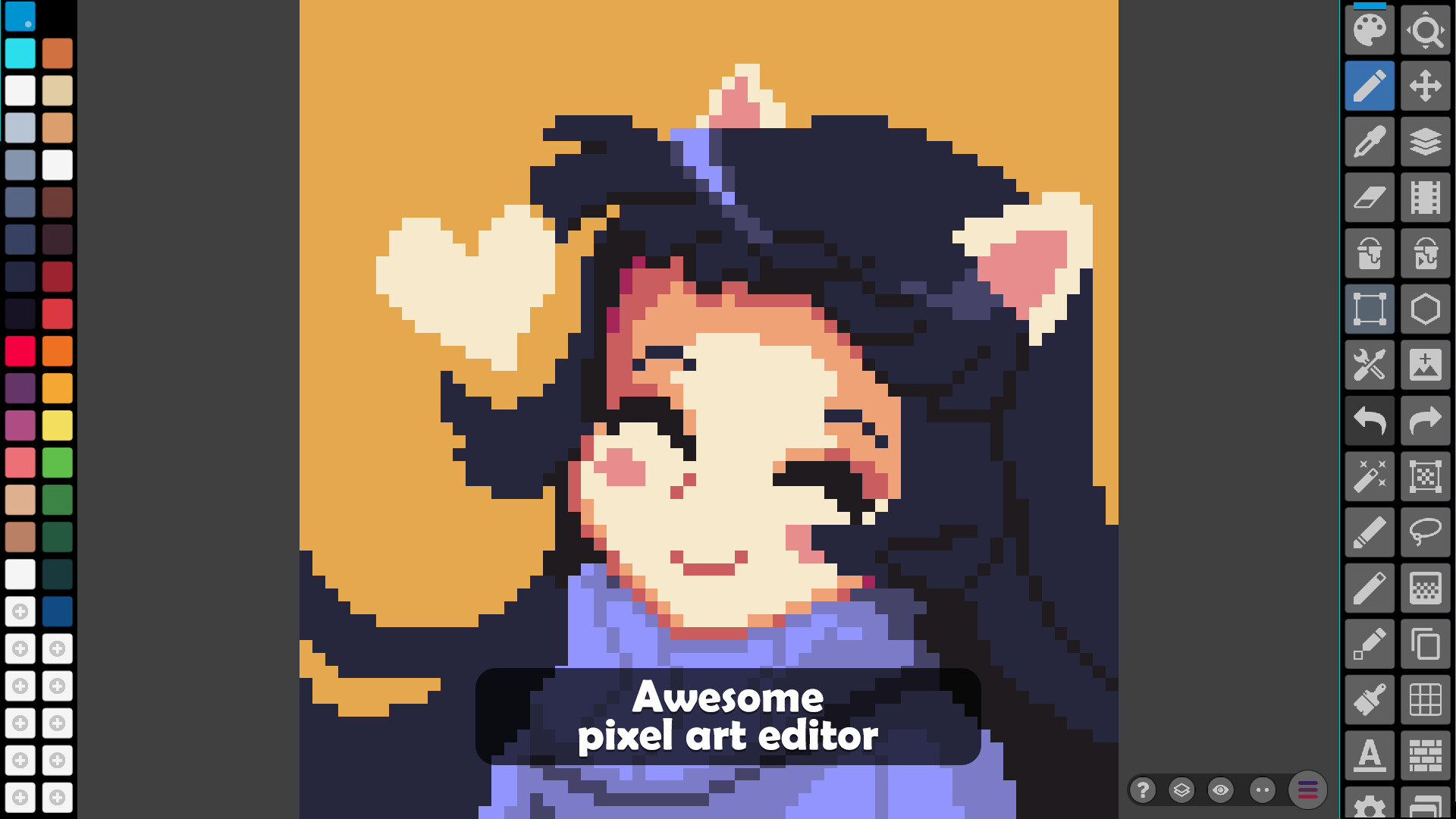
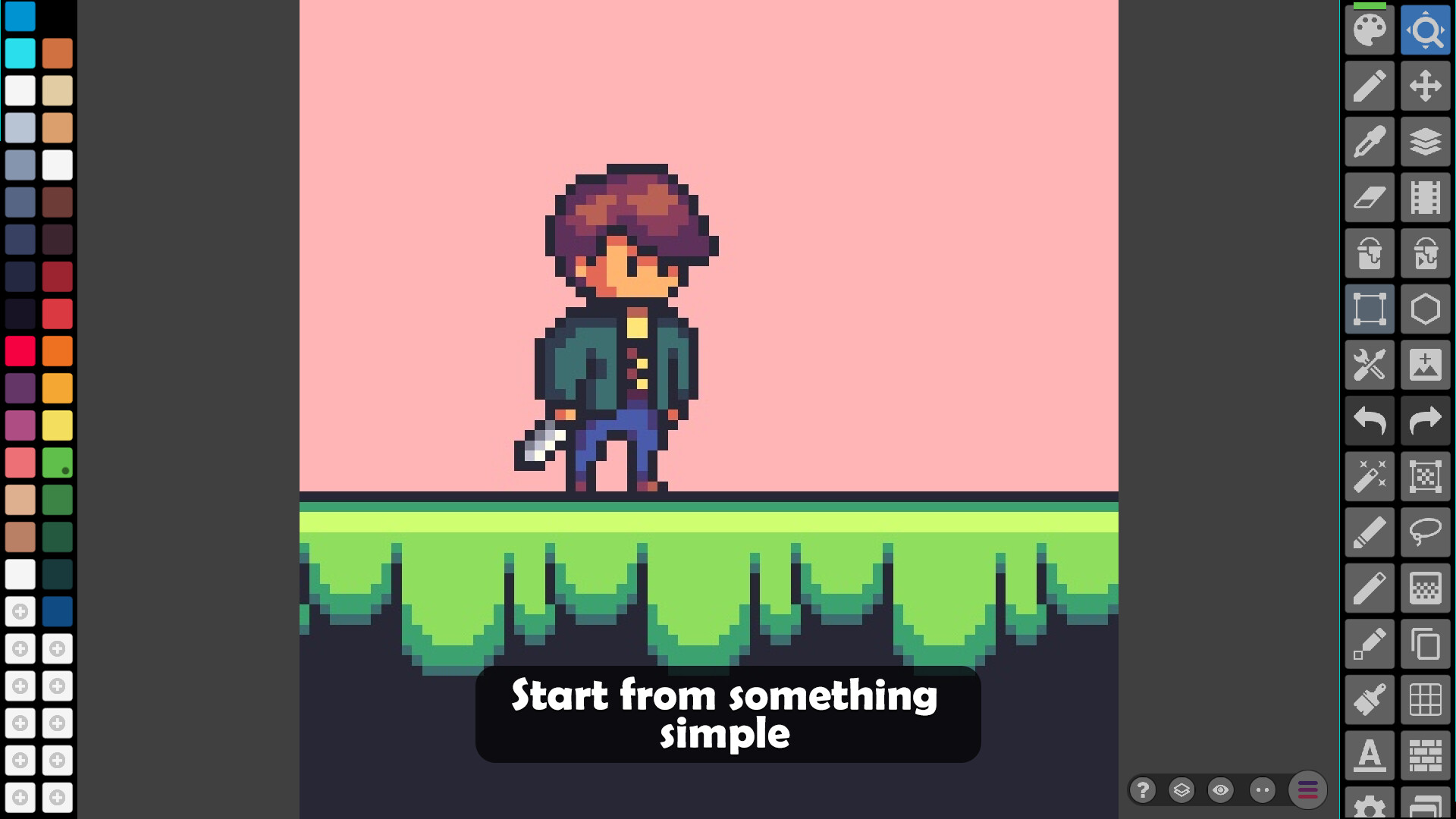
Pixel Studio is a new pixel art editor for artists and game developers. Simple, fast and portable. No matter whether you are a beginner or a professional. Create amazing pixel art anywhere and anytime! We support layers and animations and have a ton of useful tools - all you need to create cool projects. Use Google Drive to sync your work between different devices and even platforms. Join Pixel Network™ - our new pixel art community! Don't doubt, just try it and make sure you've chosen the best pixel art tool ever! Over 2.000.000 downloads around the world, translated to 23 languages!
Sample images made by lorddkno, Redshrike, Calciumtrice, Buch, Tomoe Mami are used under CC BY 3.0 license.
Features
- It's super simple, intuitive and user friendly
- It's cross-platform, use it on mobile and desktop with Google Drive sync
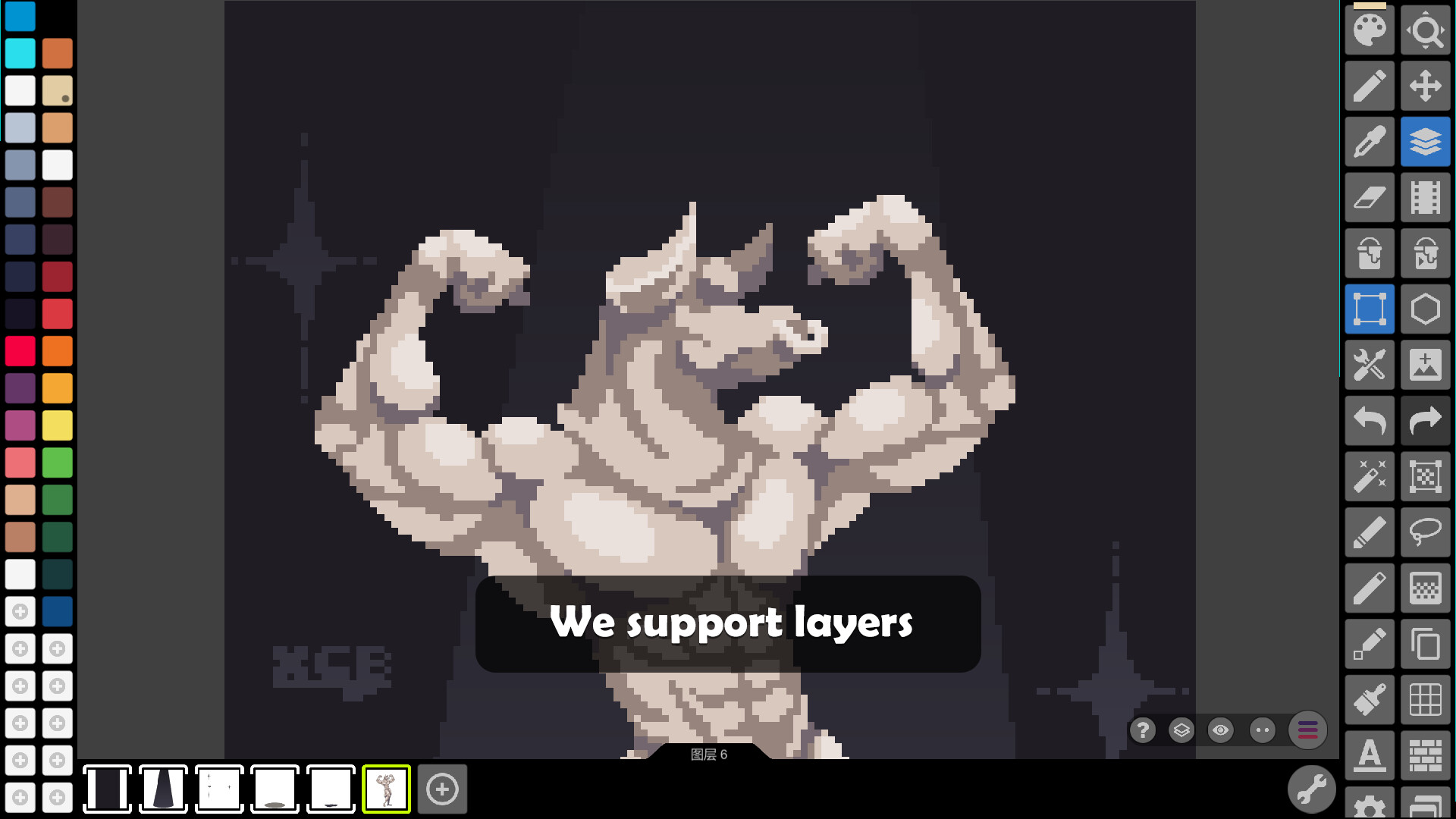
- Use layers for advanced pixel art
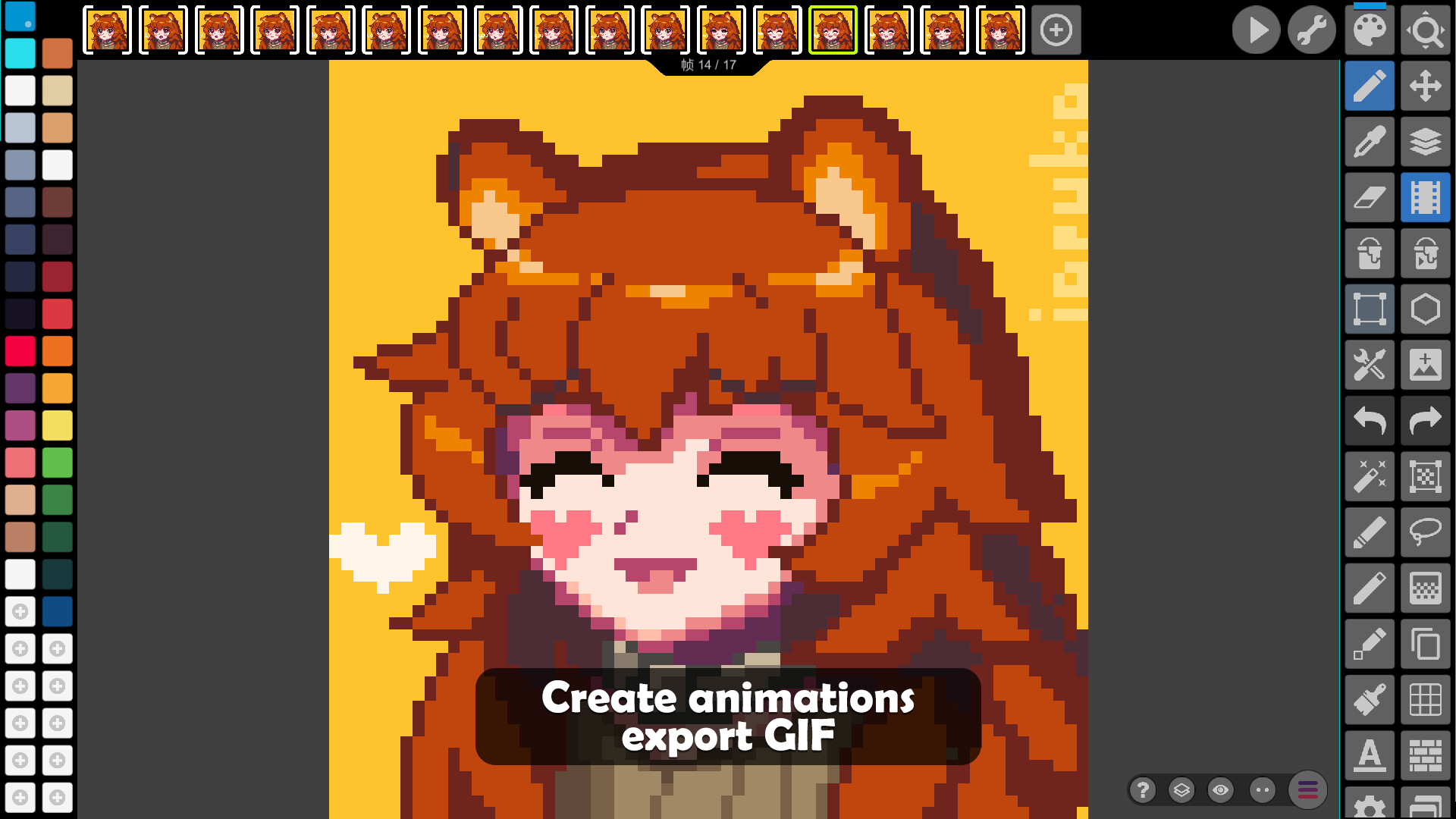
- Create frame-by-frame animations
- Save animations to GIF or sprite sheets
- Share arts with friends and Pixel Network™ community
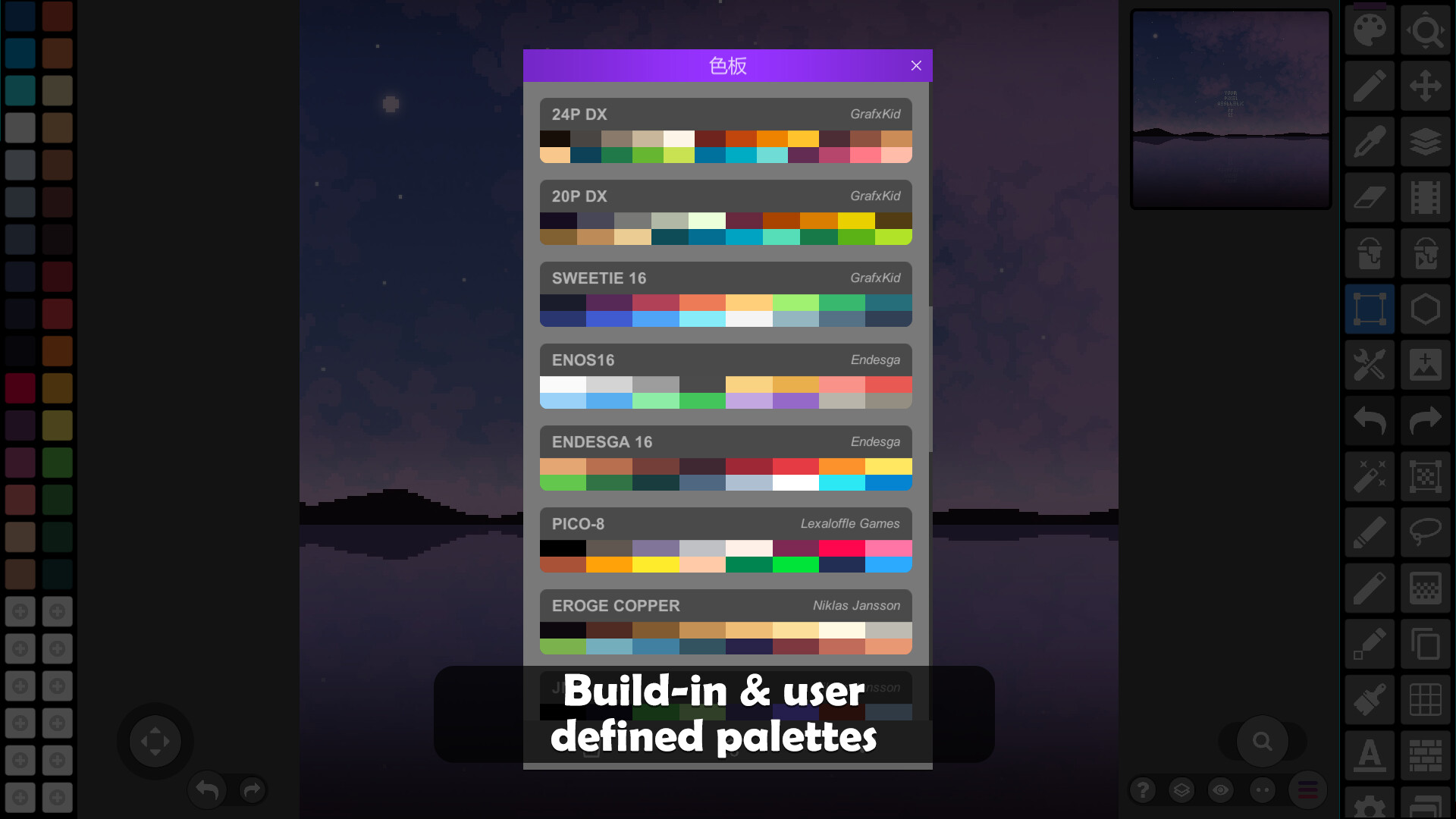
- Create custom palettes, use built-in or download palettes from Lospec
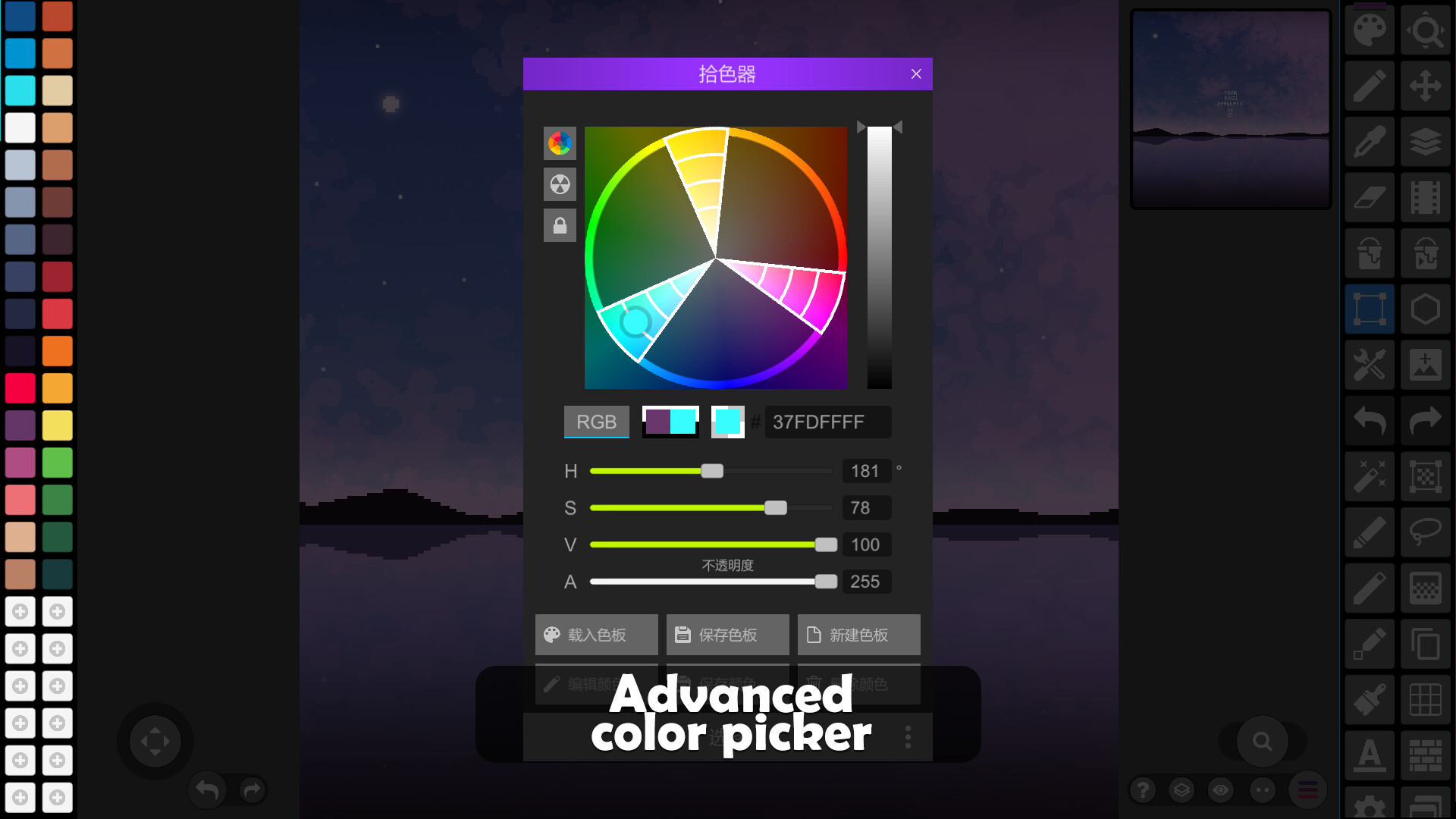
- Advanced color picker with RGBA and HSV modes
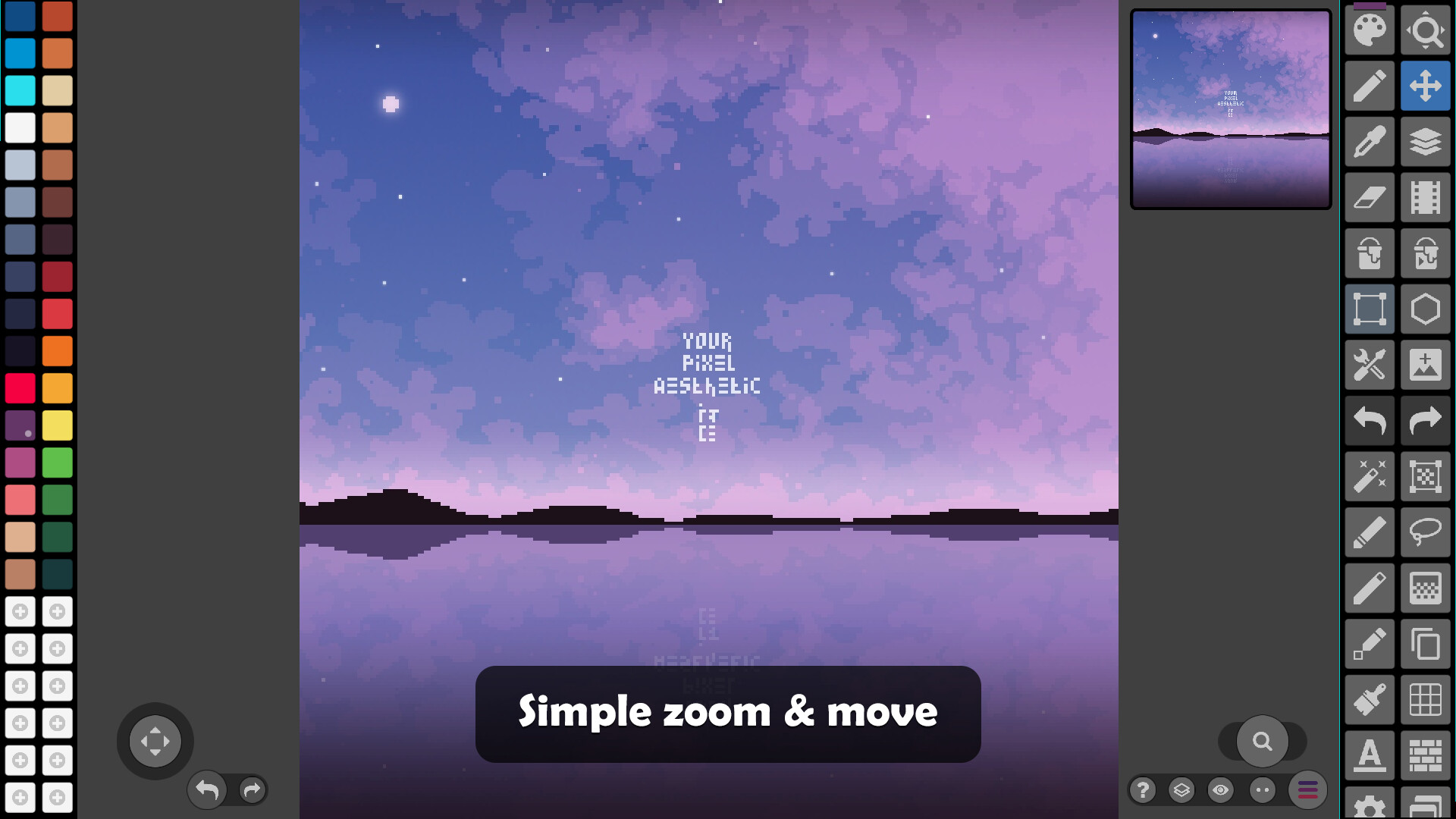
- Simple zoom and move with gestures and joysticks
- Use Portrait mode for mobile and Landscape for tablets and PC
- Customizable toolbar and a lot of other settings
- We support Samsung S-Pen and Apple Pencil!
- We support all popular formats: PNG, JPG, GIF, PSP (Pixel Studio Project), ASE (Aseprite)
- Autosave and backup - don't lose your work!
- Discover a ton of other useful tools and features!
More Features
- Dark Theme
- Shape Tool for primitives
- Gradient Tool
- Built-in and custom brushes
- Sprite Library for your image patterns
- Tile Mode for making seamless textures
- Tile Mode for brushes
- Symmetry drawing (X, Y, X+Y)
- Dot Pen for precise drawing with a cursor
- Text Tool with different fonts
- Dithering Pen for shadows and flares
- Pixel art rotation with Fast RotSprite algorithm
- Onion Skin for advanced animation
- Apply palettes to images
- Grab palettes from images
- Mini-map and Pixel Perfect preview
- Unlimited canvas size
- Canvas resizing and rotation
- Customizable background color
- Customizable grid
- Multithreaded image processing
- JASC Palette (PAL) format support
System Requirements
- 2GB+ of RAM for large projects and animations
- Powerful CPU (AnTuTu score 100.000+)
Sample images made by lorddkno, Redshrike, Calciumtrice, Buch, Tomoe Mami are used under CC BY 3.0 license.
Facts
- Released
- Jan 1, 2020
- In catalog since
- Oct 18, 2026
- Publisher
- Hippo Games
- Developer
- Hippo Games
- Platforms
- PC
- Genres
- Animation & Modeling, Design & Illustration, Photo Editing, Game Development
- Features
- In-App Purchases
- Languages
- English, French, Italian, German, Spanish - Spain, Portuguese - Brazil, Spanish - Latin America, Traditional Chinese, Simplified Chinese, Korean, Dutch, Polish, Portuguese - Portugal, Russian, Turkish, Ukrainian, Japanese, Danish, Romanian, Czech, Vietnamese
System requirements
Minimum
Minimum:- Requires a 64-bit processor and operating system
- OS: Windows 10 / Windows 11 or newer
- Processor: Intel or AMD quad-core CPU
- Memory: 4 GB RAM
- Graphics: Integrated Intel or AMD
- Storage: 100 MB available space
Recommended
Recommended:- Requires a 64-bit processor and operating system
- OS: Windows 10 / Windows 11 or newer
- Processor: Intel or AMD six-core CPU
- Memory: 8 GB RAM
- Graphics: Discrete Nvidia or AMD
- Network: Broadband Internet connection
- Storage: 100 MB available space