

Mouse Portal – Teleport Your Cursor
Teleport your mouse and switch between windows with magical portals—a fun and practical way to warp your cursor instantly across the screen!
 Chile
ChileSteam prices by region
41 regions


No such country
Prices as the storefront shows them, taxes and fees at checkout may differ
Screenshots and videos
About
🚀 Boost your speed with instant mouse teleportation between portals!
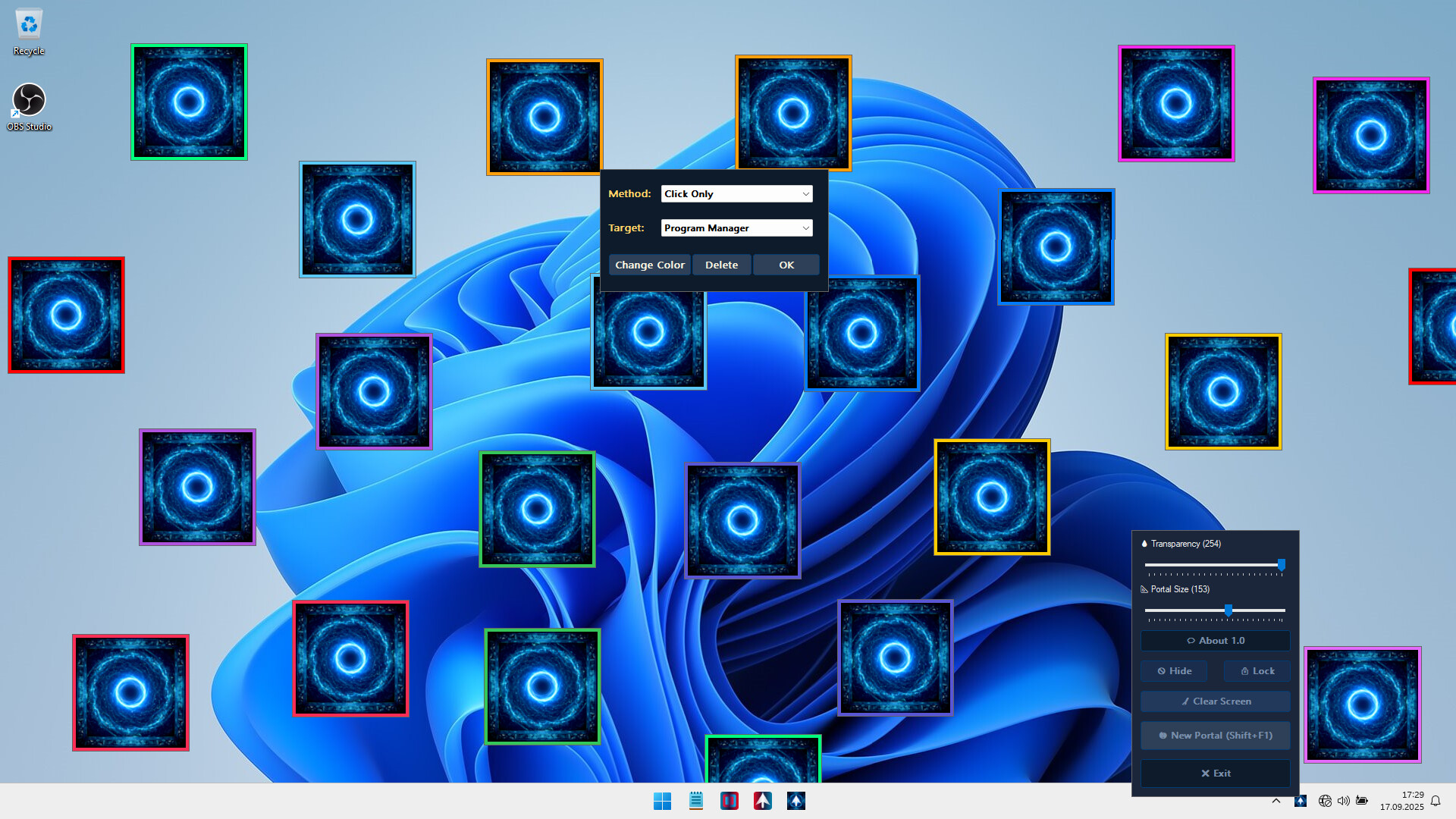
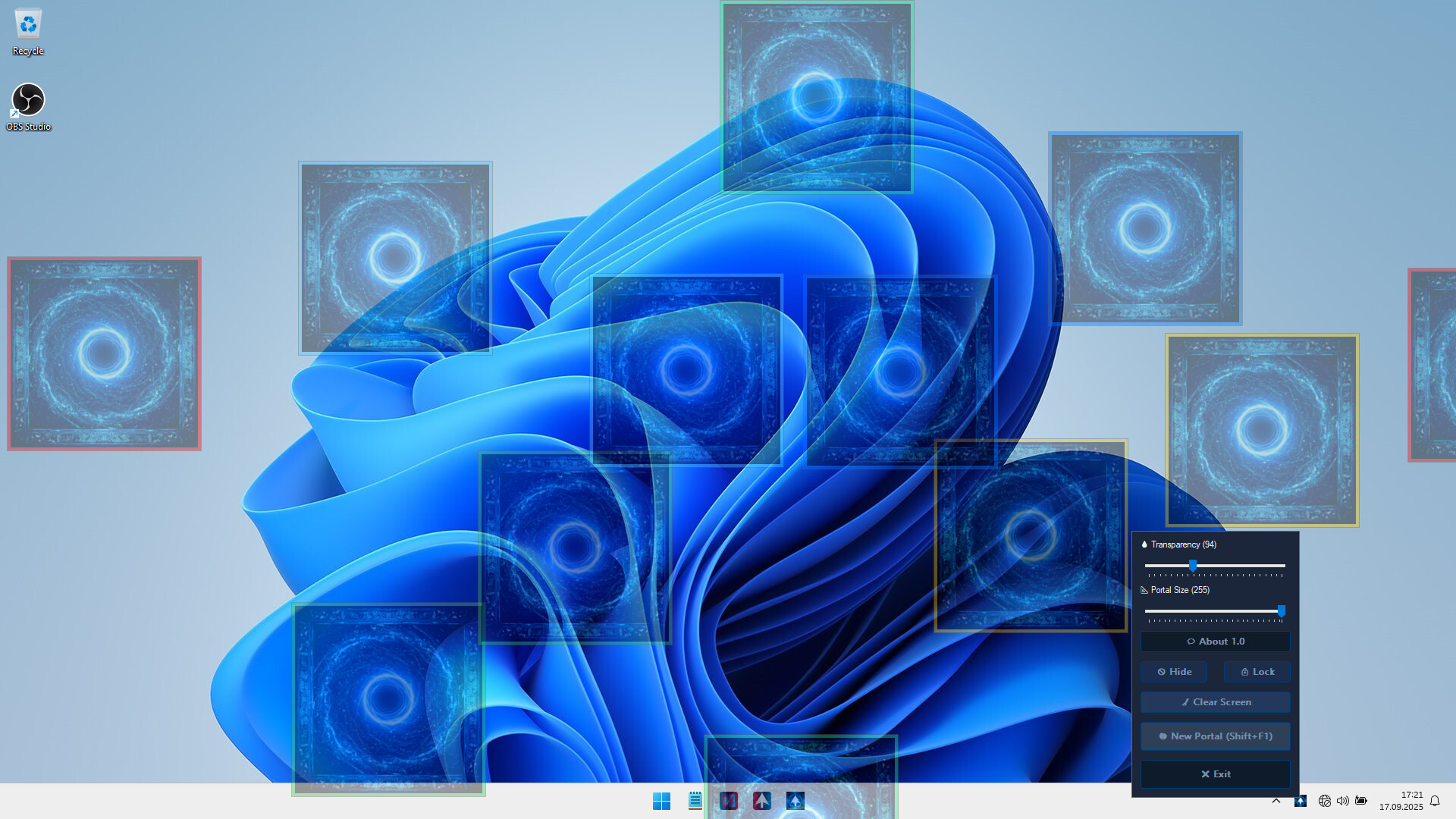
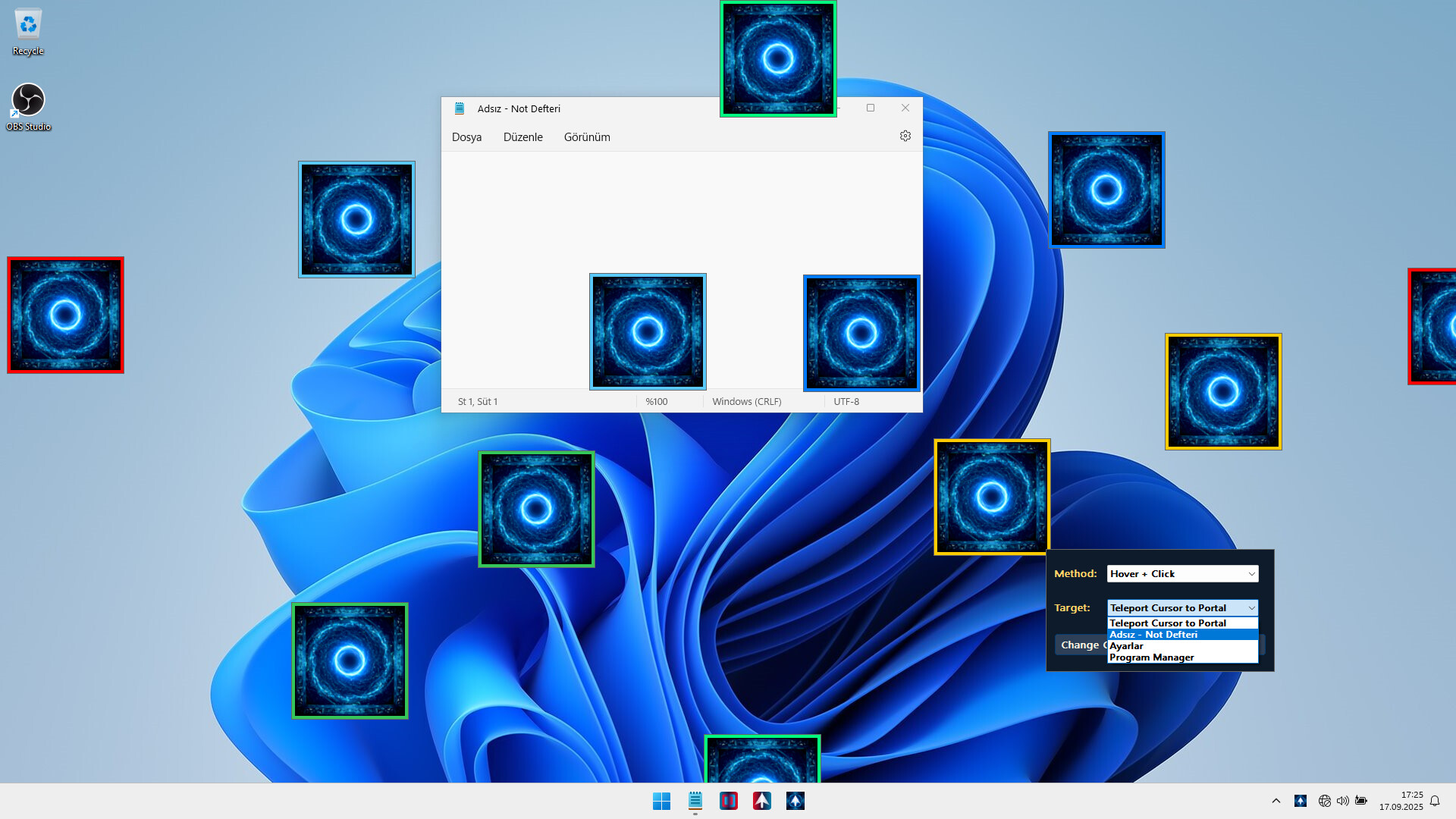
Mouse Portal: Teleport Your Cursor lets you place colorful linked squares on your screen that act as instant teleporters for your mouse. Hover, click, or drag — your cursor will jump between portals in a flash. Both fun and surprisingly useful, it’s like giving your mouse a sci-fi upgrade.
🔑 Core Features
🌀 Add unlimited Portals
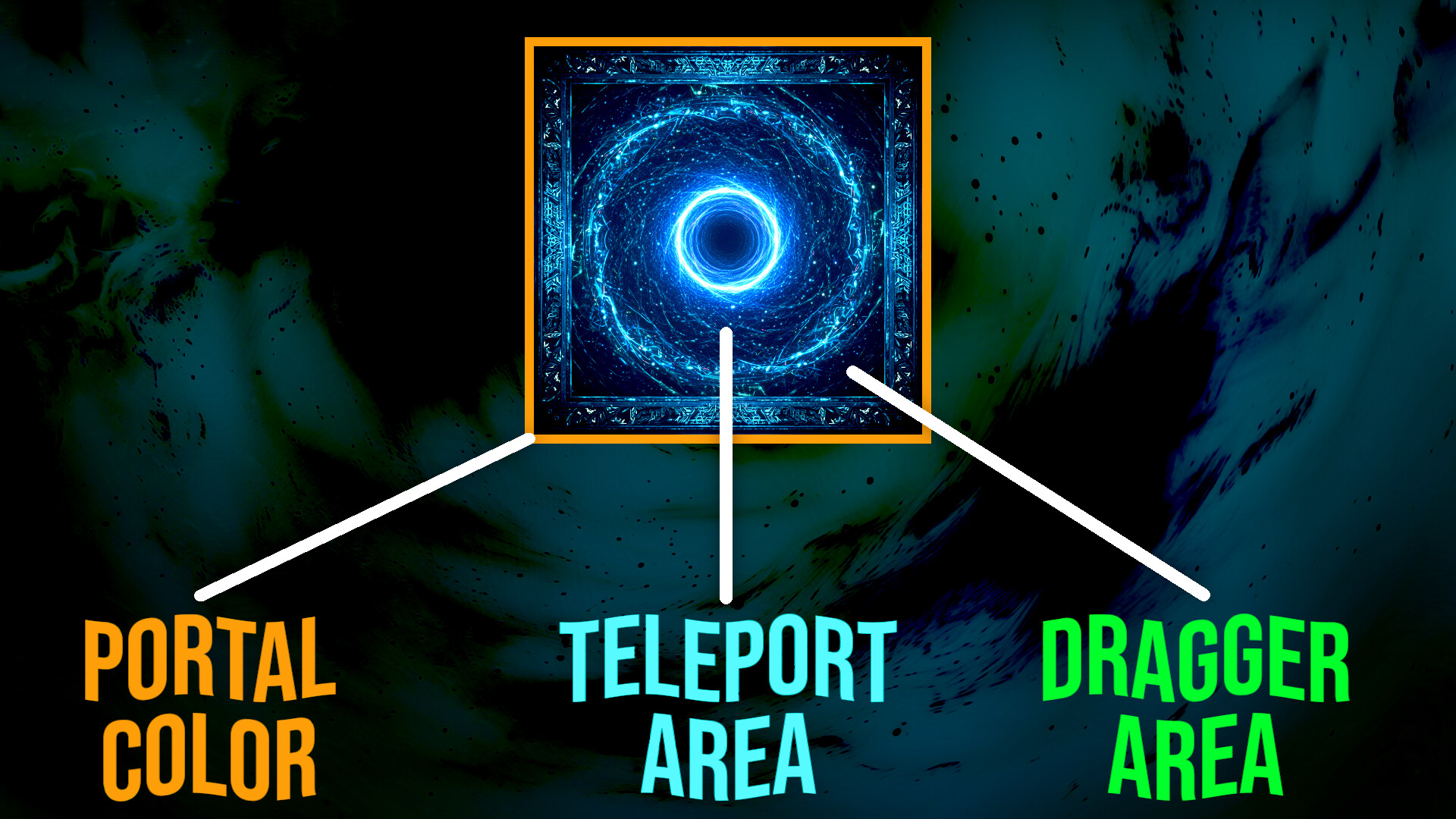
Place pairs of colorful portals anywhere on your desktop.
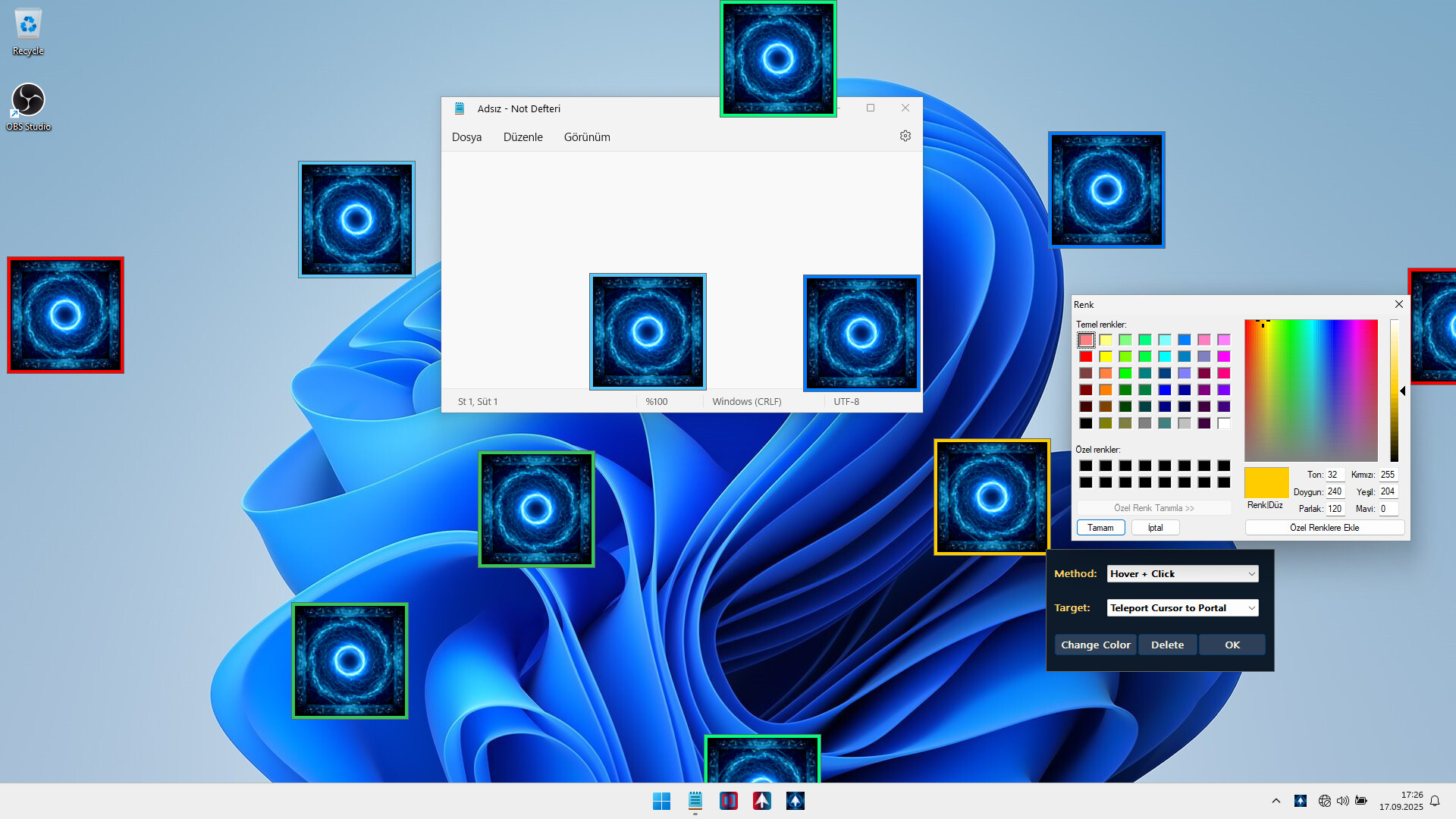
Each pair is uniquely colored so they never get mixed up.
🎯 Teleport Instantly
Hover your mouse for 250ms on one portal and instantly appear at its partner.
Or left-click a portal for an immediate teleport.
No accidental ping-pong: teleport only once until you exit the portal area.
🖱️ Smart Controls
Right-click a portal to delete its pair instantly.
Drag portals anywhere on screen while lock is disabled.
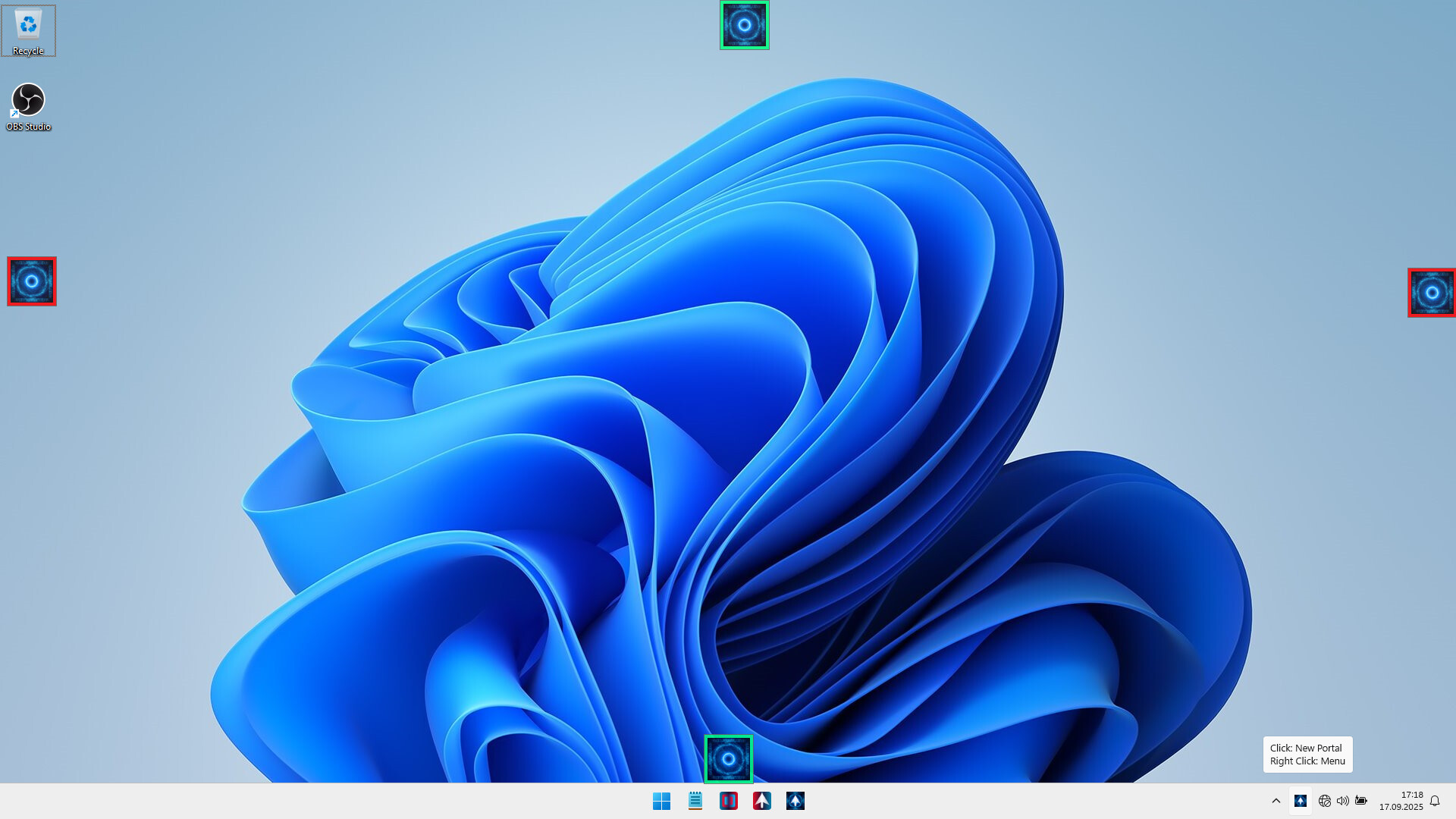
Shift + F1 hotkey Add a new portal pair at your cursor.
Tray icon left-click also adds a portal pair (auto-adjusted away from taskbar).
🗂️ Save & Load Automatically
Save all your portal placements and restore them automatically next time you start the app.
⚙️ Customizable Settings
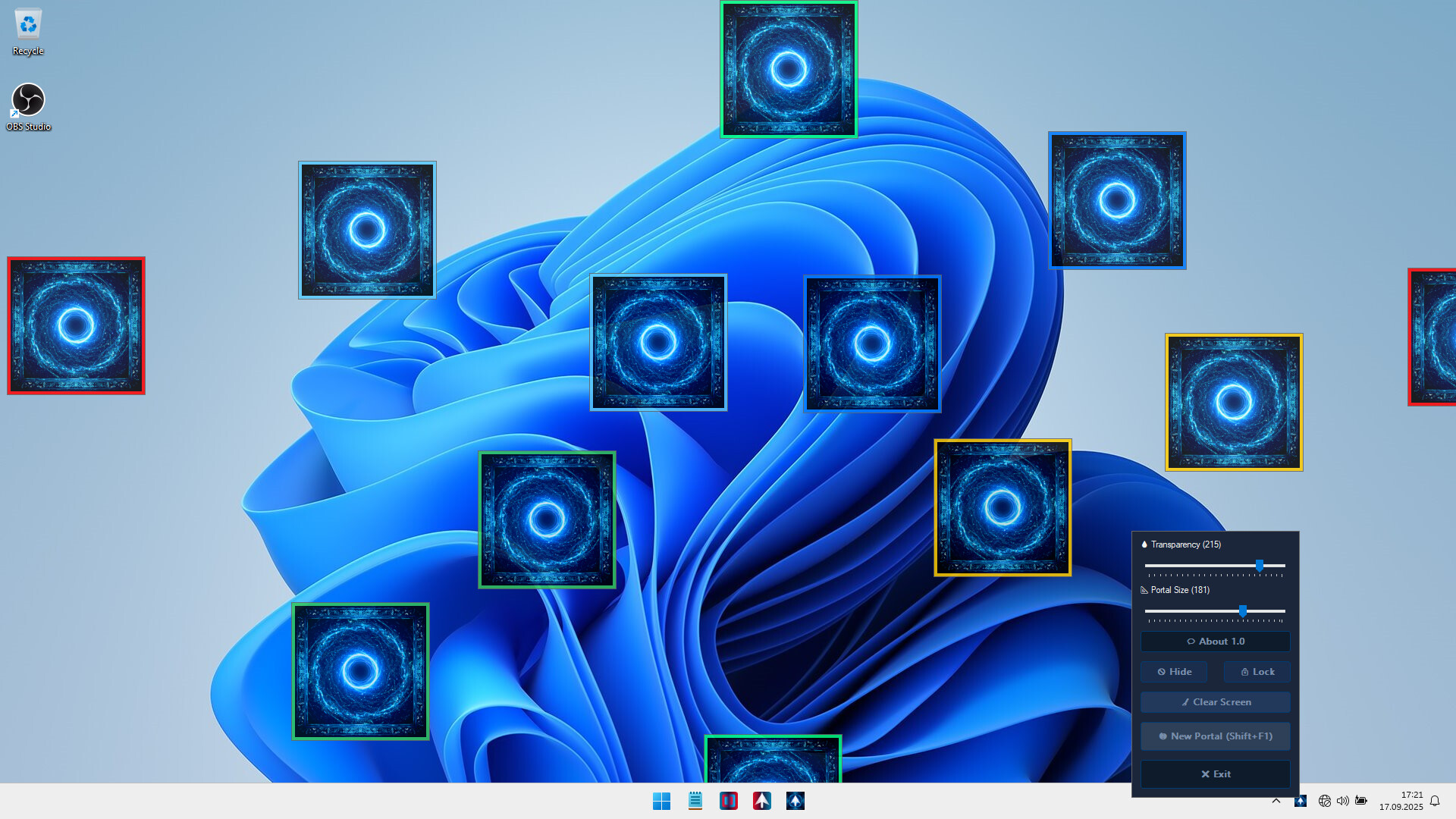
🔒 Lock/Unlock: Freeze portals or make them pass-through for clicks.
👁️ Hide/Show: Toggle portal visibility anytime.
💧 Transparency: Adjust portal opacity in real-time.
📐 Portal Size Slider: Resize all portals
💻 Lightweight & Non-Intrusive
Runs quietly in the system tray.
Easy to Use
✨ If you want to speed up your workflow, reduce mouse travel time Mouse Portal makes it fast, simple, and efficient.
Mouse Portal brings a unique, interactive twist to how you use your computer.
Facts
- Released
- Sep 17, 2025
- In catalog since
- Oct 18, 2026
- Publisher
- istenen
- Developer
- istenen
- Platforms
- PC
- Genres
- Indie, Utilities
- Features
- Camera Comfort, Mouse Only Option, Playable without Timed Input, Save Anytime, Touch Only Option
- Languages
- English, French, Italian, German, Spanish - Spain, Arabic, Simplified Chinese, Portuguese - Brazil, Bulgarian, Danish, Indonesian, Dutch, Finnish, Traditional Chinese, Japanese, Korean, Spanish - Latin America, Polish, Hungarian, Norwegian, Portuguese - Portugal, Romanian, Russian, Thai, Turkish, Ukrainian, Vietnamese, Greek, Czech, Swedish
System requirements
Minimum
Minimum:- Requires a 64-bit processor and operating system
- OS: Windows 10
- Processor: 1 GHz processor
- Memory: 1 GB RAM
- Graphics: Intel HD 520 / AMD Radeon R3
- Storage: 5 MB available space
- Sound Card: Not required
- VR Support: Not supported
Recommended
Recommended:- Requires a 64-bit processor and operating system
- OS: Windows 11
- Processor: 1.5 GHz or faster processor
- Memory: 2 GB RAM
- Graphics: NVIDIA GT 1030 / AMD Radeon RX 550 or higher
- Storage: 10 MB available space
- Sound Card: Not required
- VR Support: Not supported