

McOsu
A free open-source circle-clicking rhythm game practice client for osu! beatmaps with Virtual Reality support. McOsu is developed separately from and has no direct affiliation with osu! or ppy Pty Ltd.
 United Arab Emirates
Steam prices by region
41 regions


No such country
Prices as the storefront shows them, taxes and fees at checkout may differ
Add-ons 3
 zł 1.72
zł 5.11
zł 8.13
zł 1.72
zł 5.11
zł 8.13
Screenshots and videos
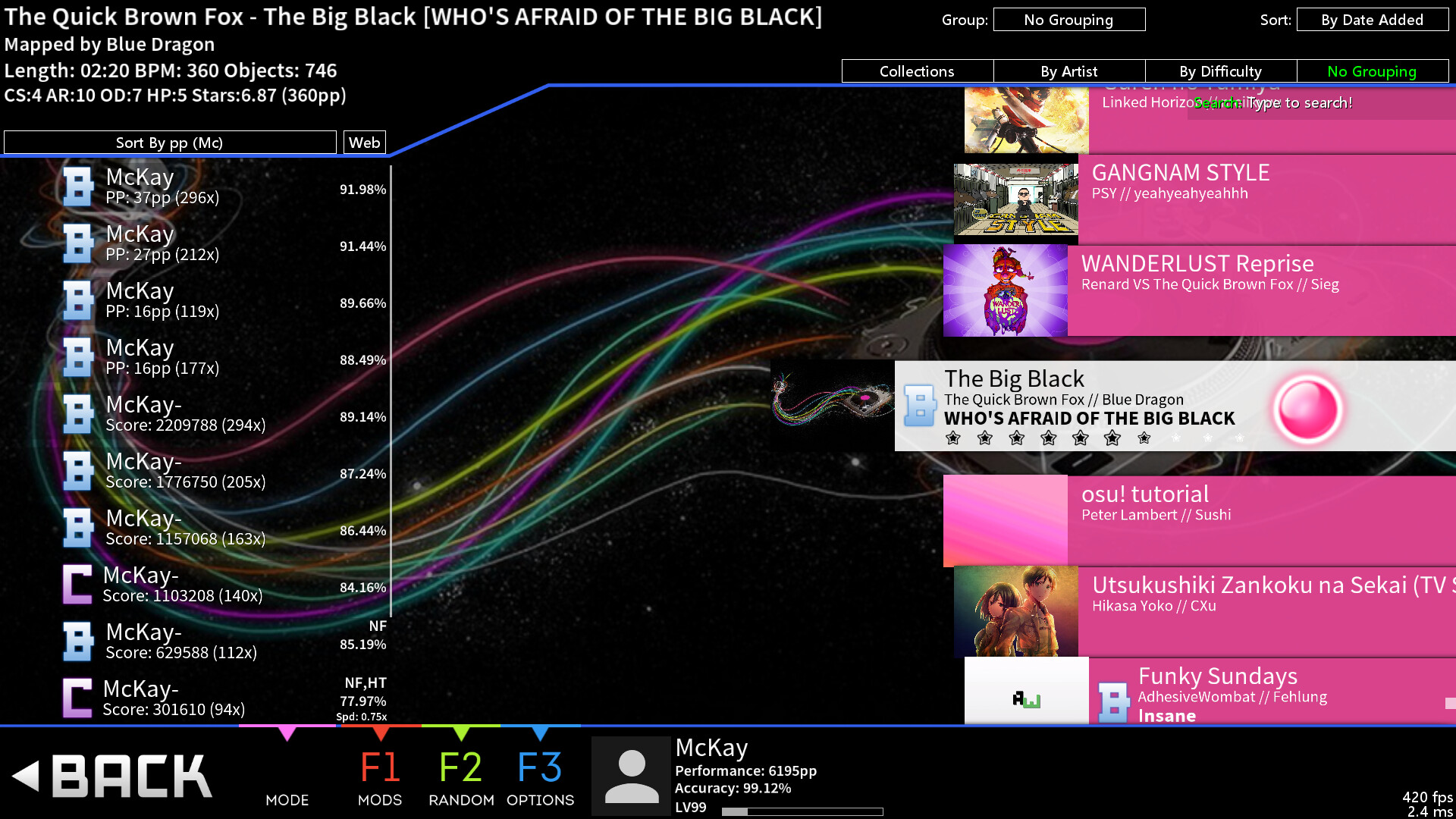
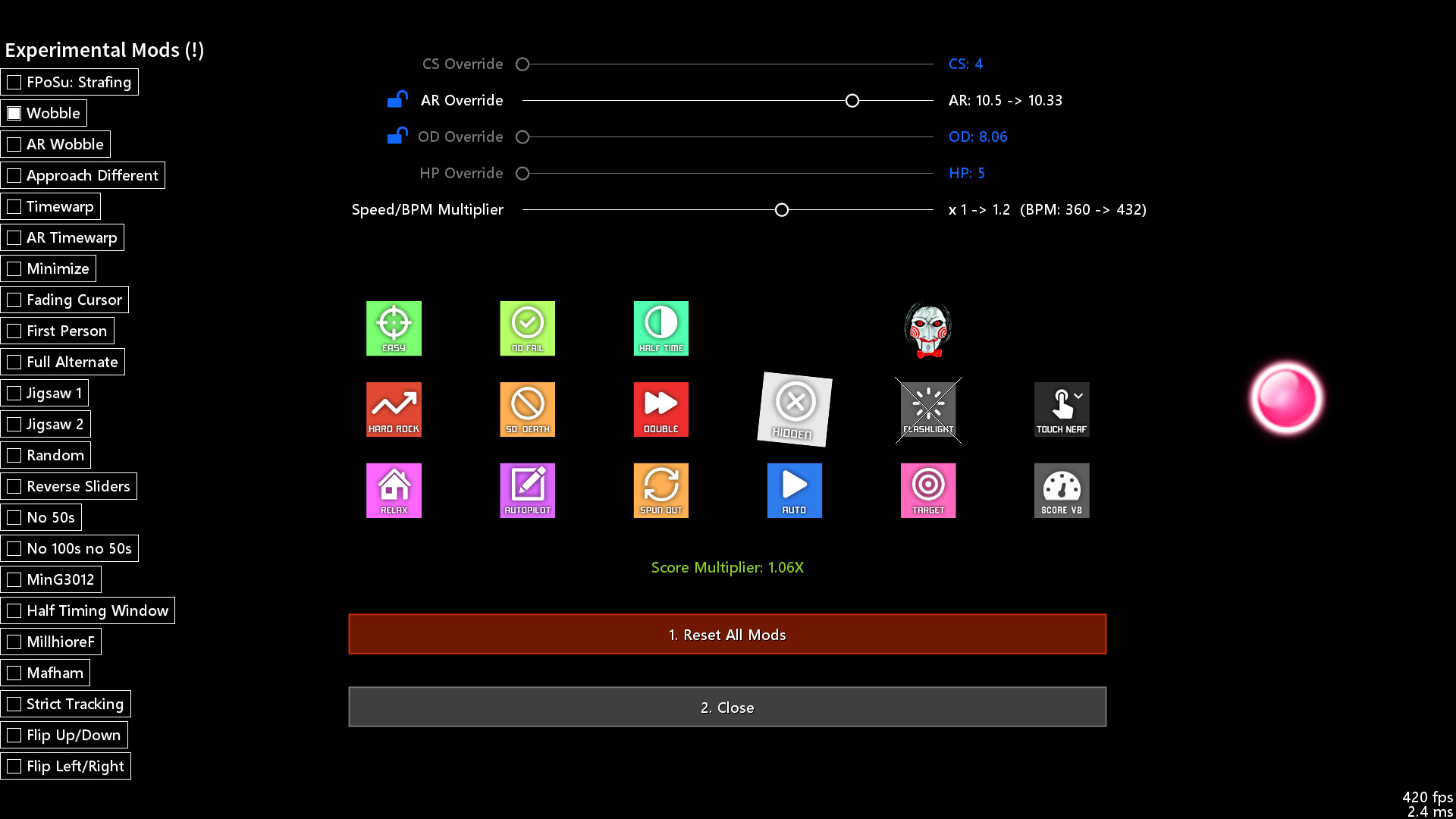
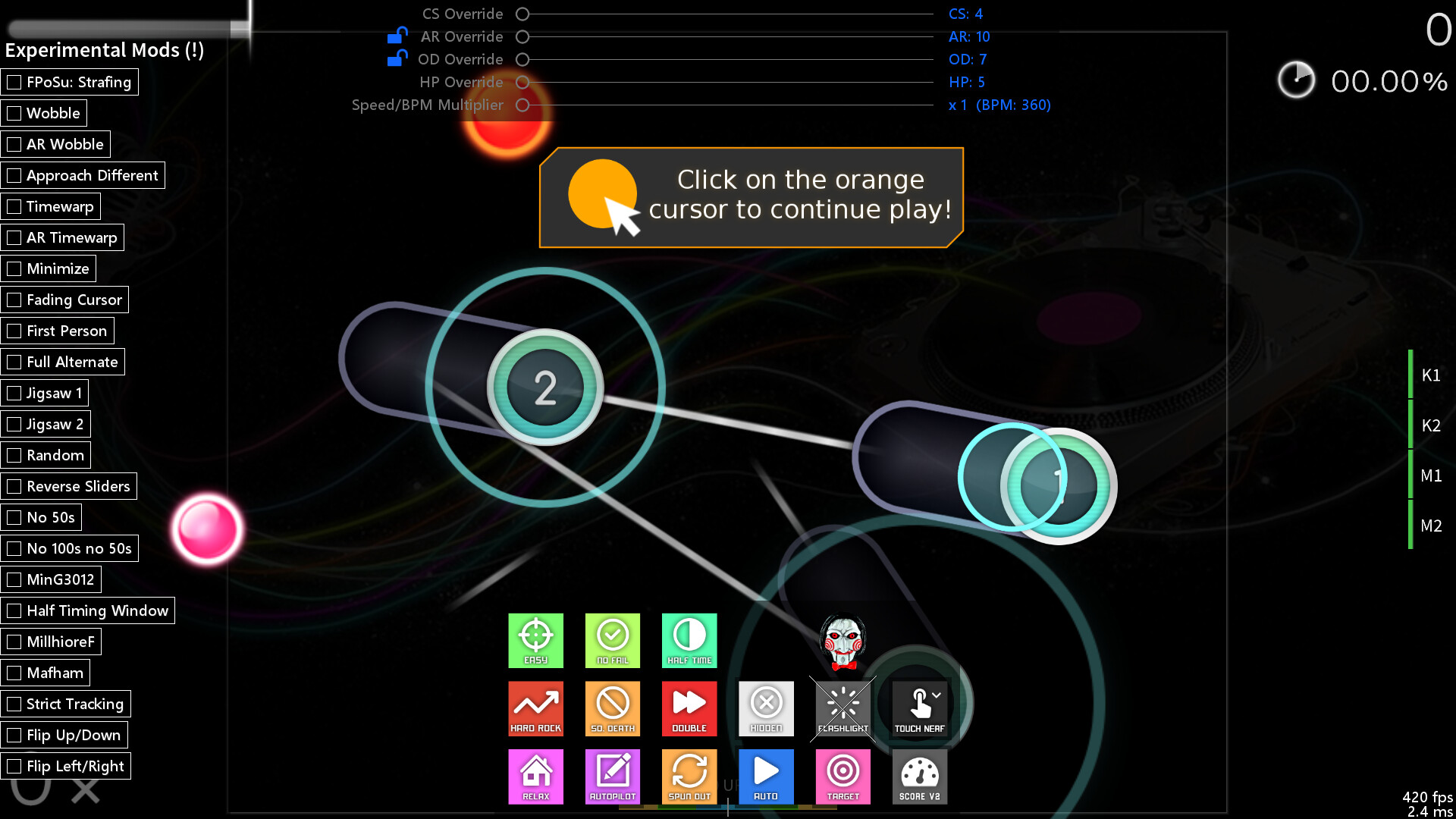
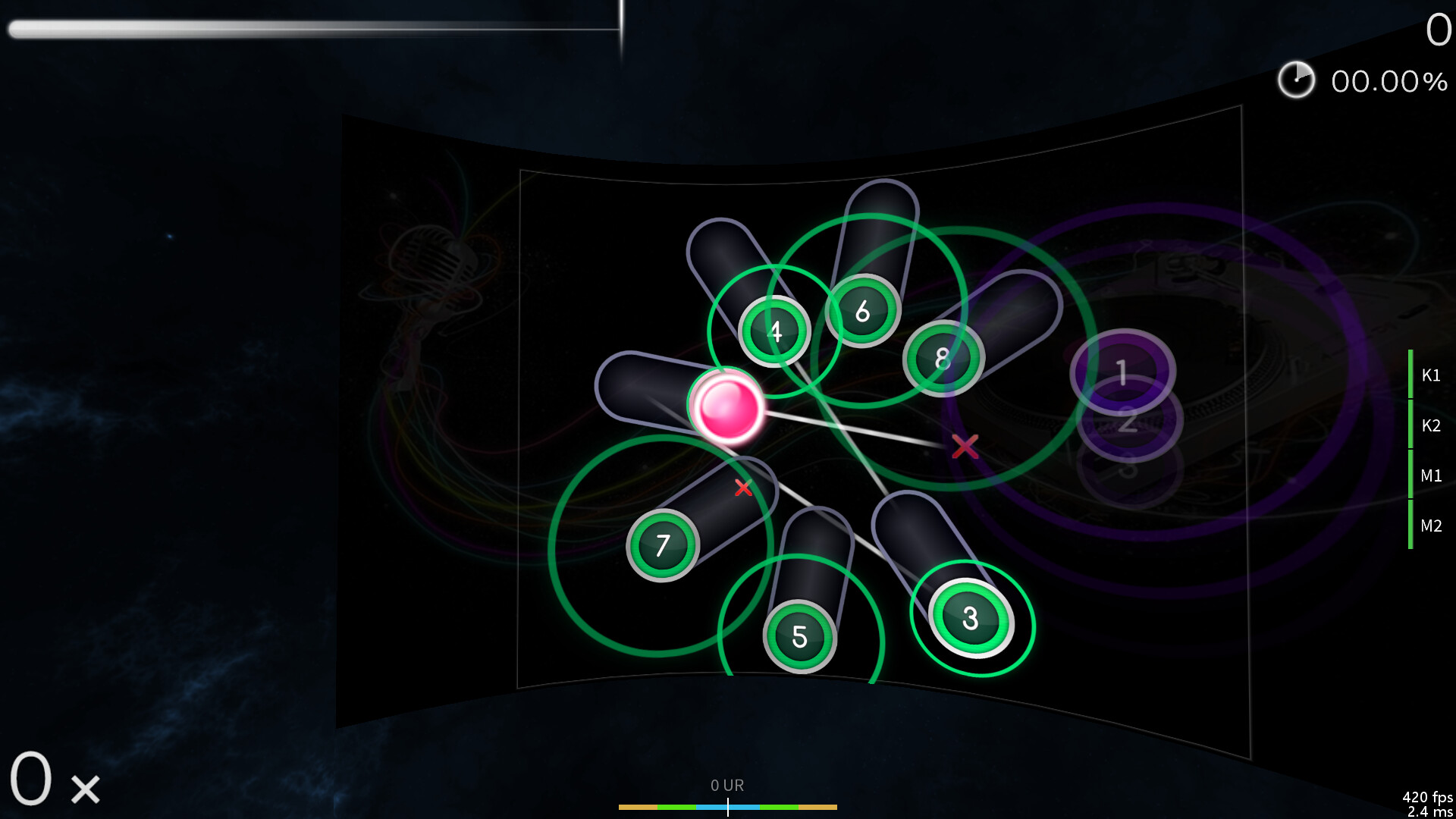
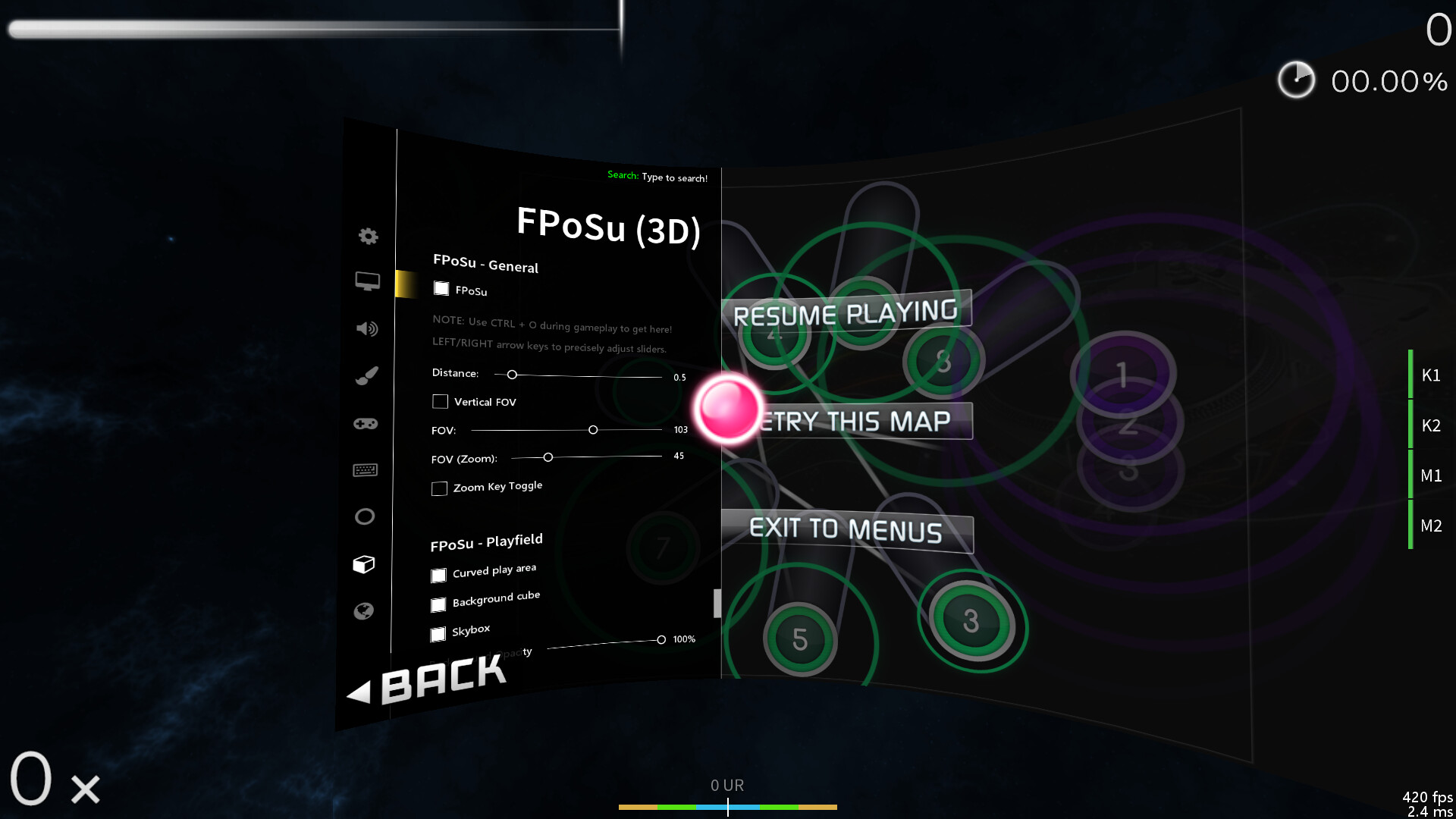
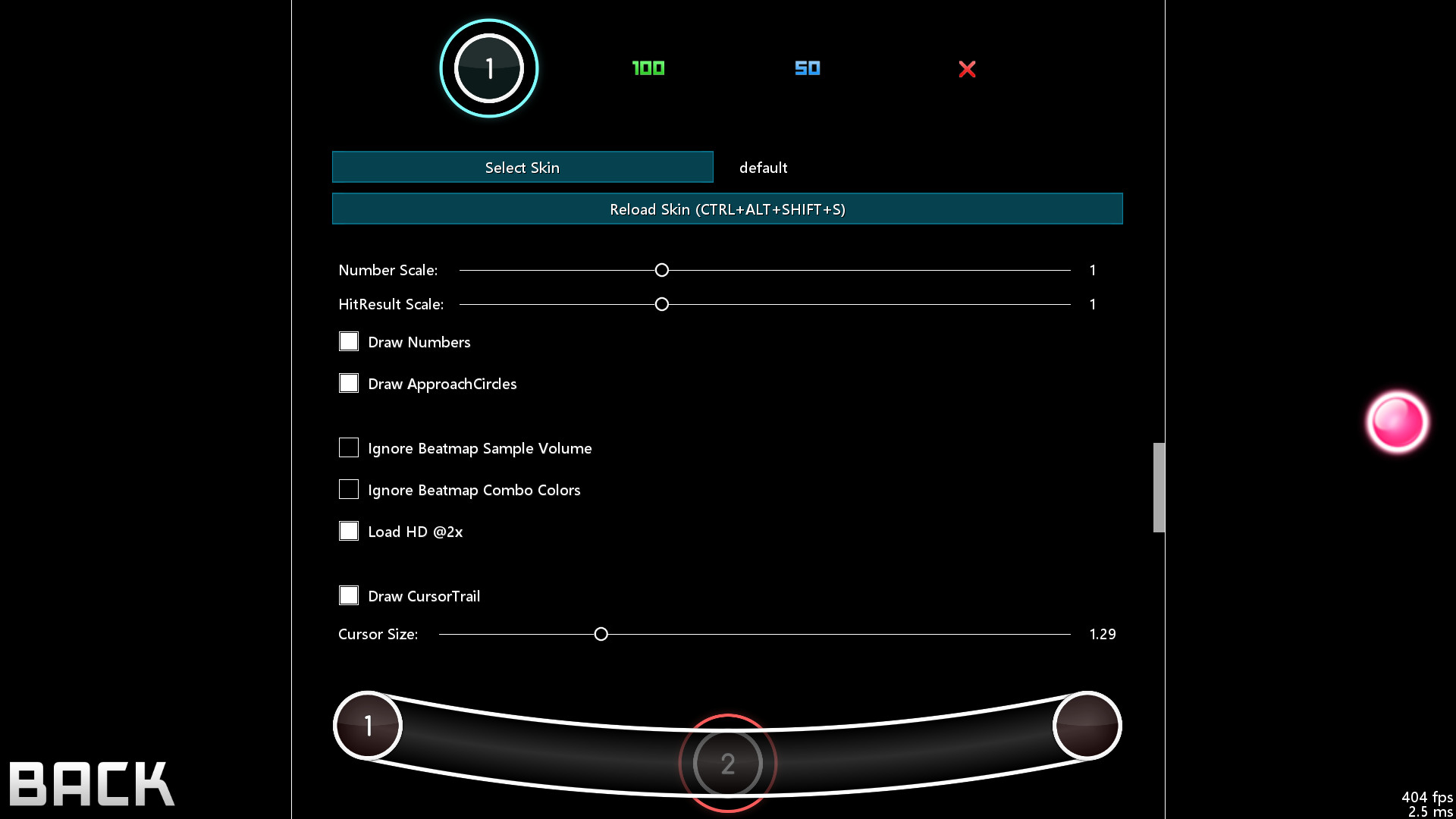
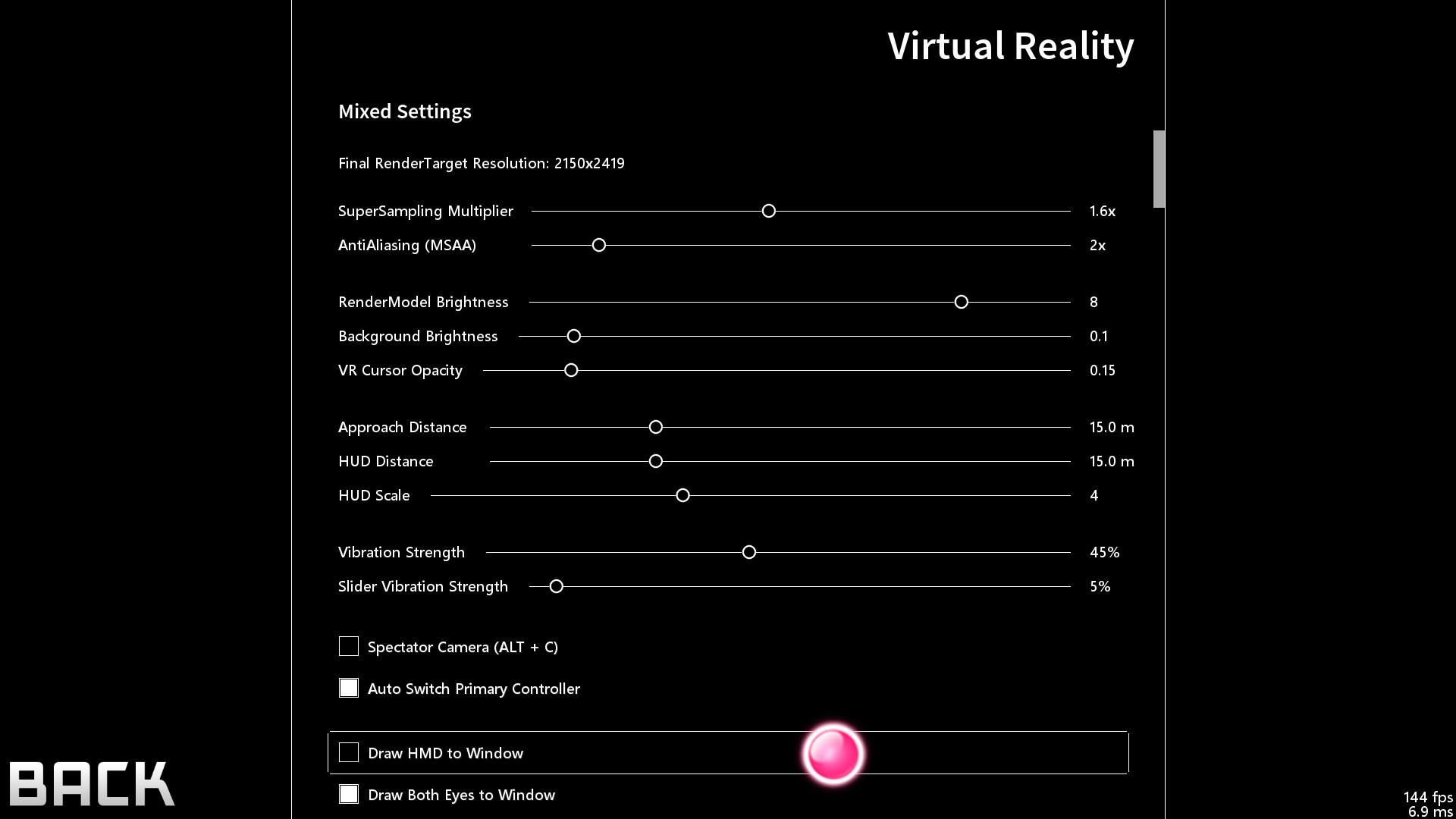
About
McOsu is developed separately from and has no direct affiliation with osu! or ppy Pty Ltd.
McOsu is NOT osu!
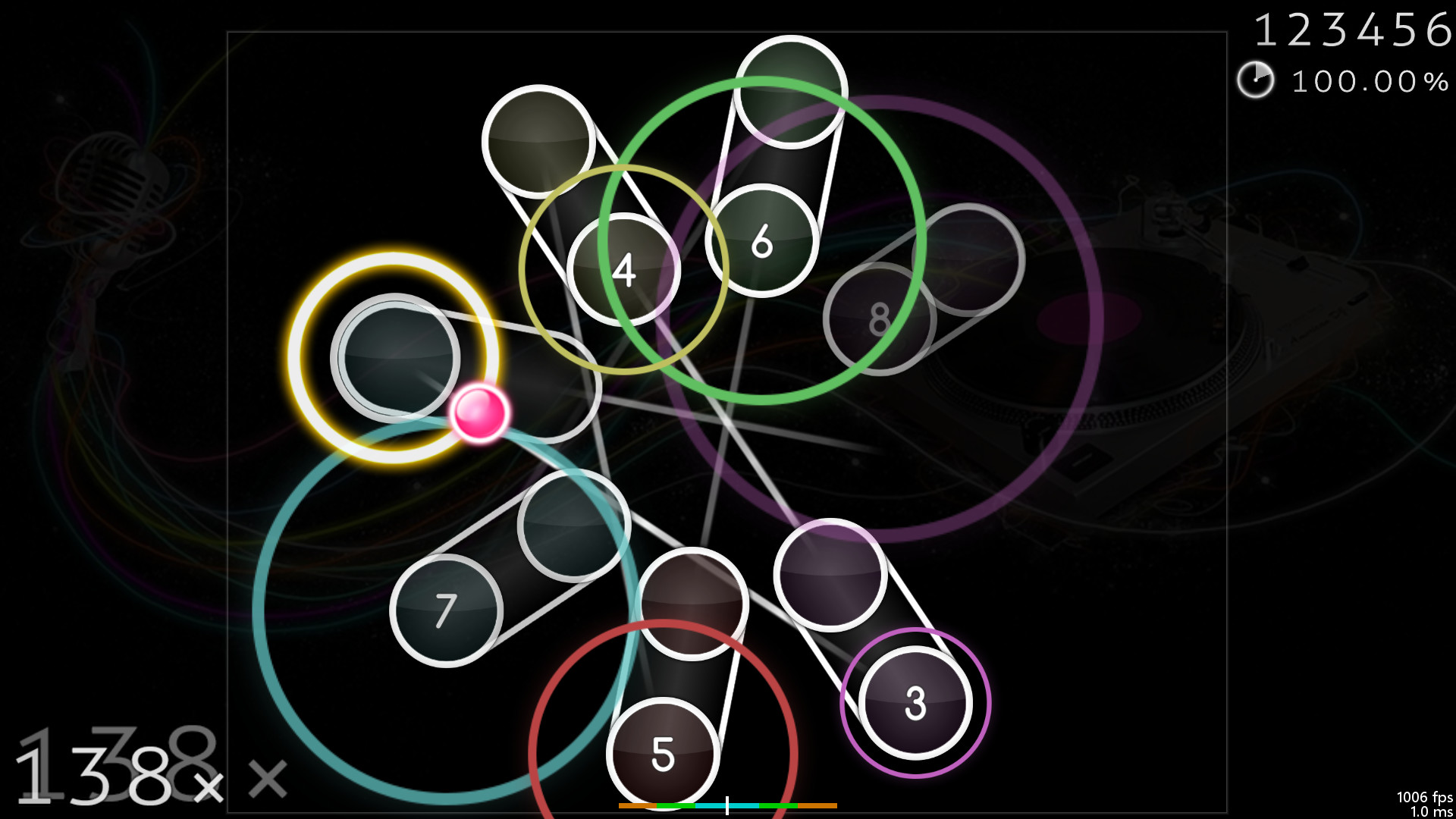
A free open-source circle-clicking rhythm game client for osu!(standard) beatmaps, with the main focus on making practicing easier and customizing gameplay.
It is primarily a practice client for getting better at the "official" game by having tools at your disposal that osu!(stable) does not provide for some reason, it's not supposed to be a perfect copy of osu! though it does get close enough where necessary.
If you have never played osu! before, then I do not recommend using this client (except for VR players + FPoSu players of course), because there are no gameplay tutorials to be found here (just google "osu!" and play the official game which is a lot more polished and has online rankings including multiplayer support etc.).
McOsu only supports osu!(standard) beatmaps, while diffs for other gamemodes like mania/taiko/ctb/etc. are simply invisible.
Features:
Unlimited Customizability (Options, Console Commands via SHIFT + F1)
Beatmap Overrides (Approach Rate, Circle Size, Overall Difficulty, HP Drain)
Speed/BPM Slider
Scrubbing and Quicksave/load (SHIFT and F6/F7, rebindable, jump to any point in time of a beatmap)
Experimental Mods (Wobble, Jigsaw, First Person, Playfield Flipping, Reverse Sliders, etc.)
Change mods and options while playing (F1 and CTRL + O)
Built-in pp counter (live stats overlay + ranking screen)
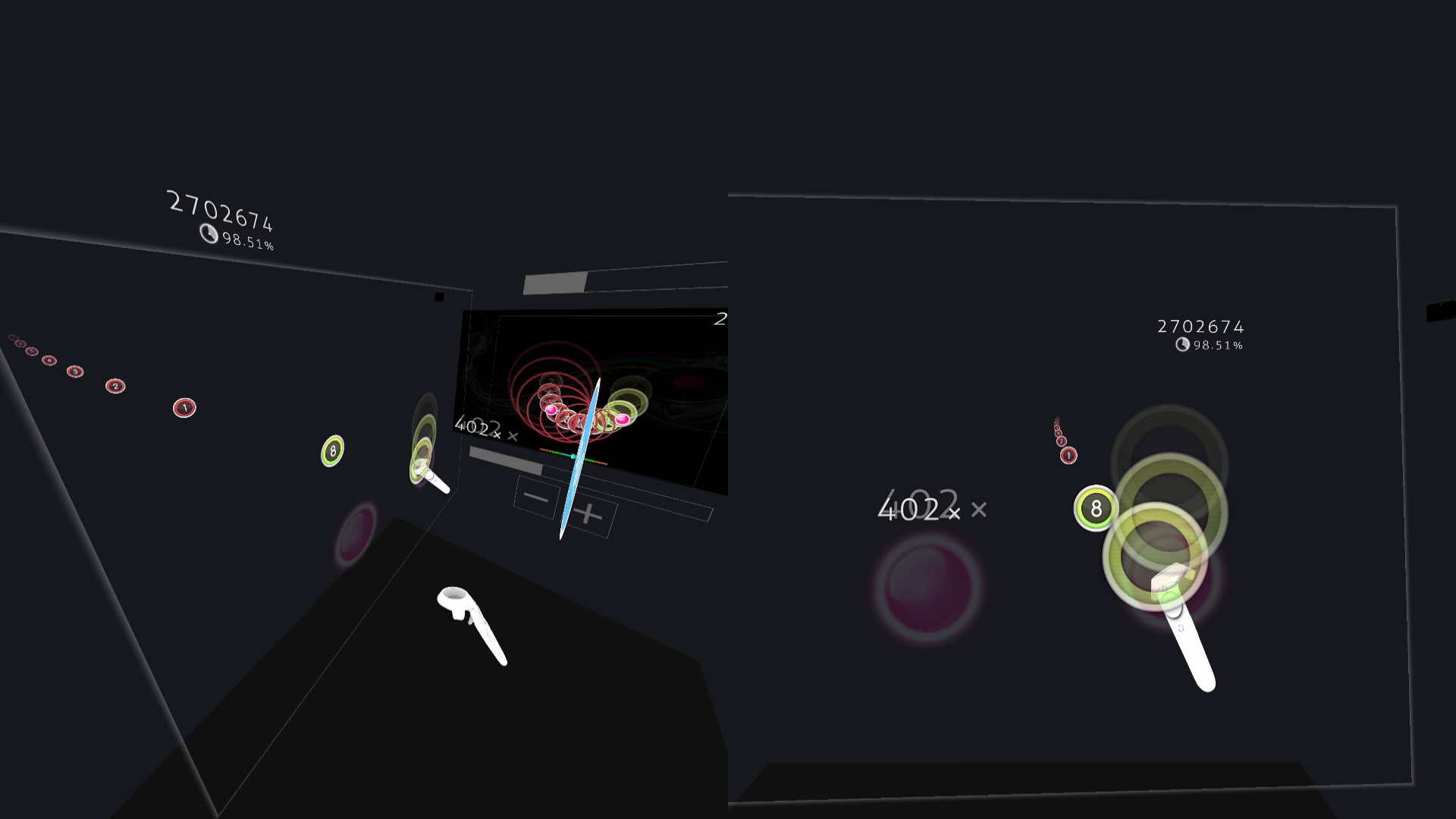
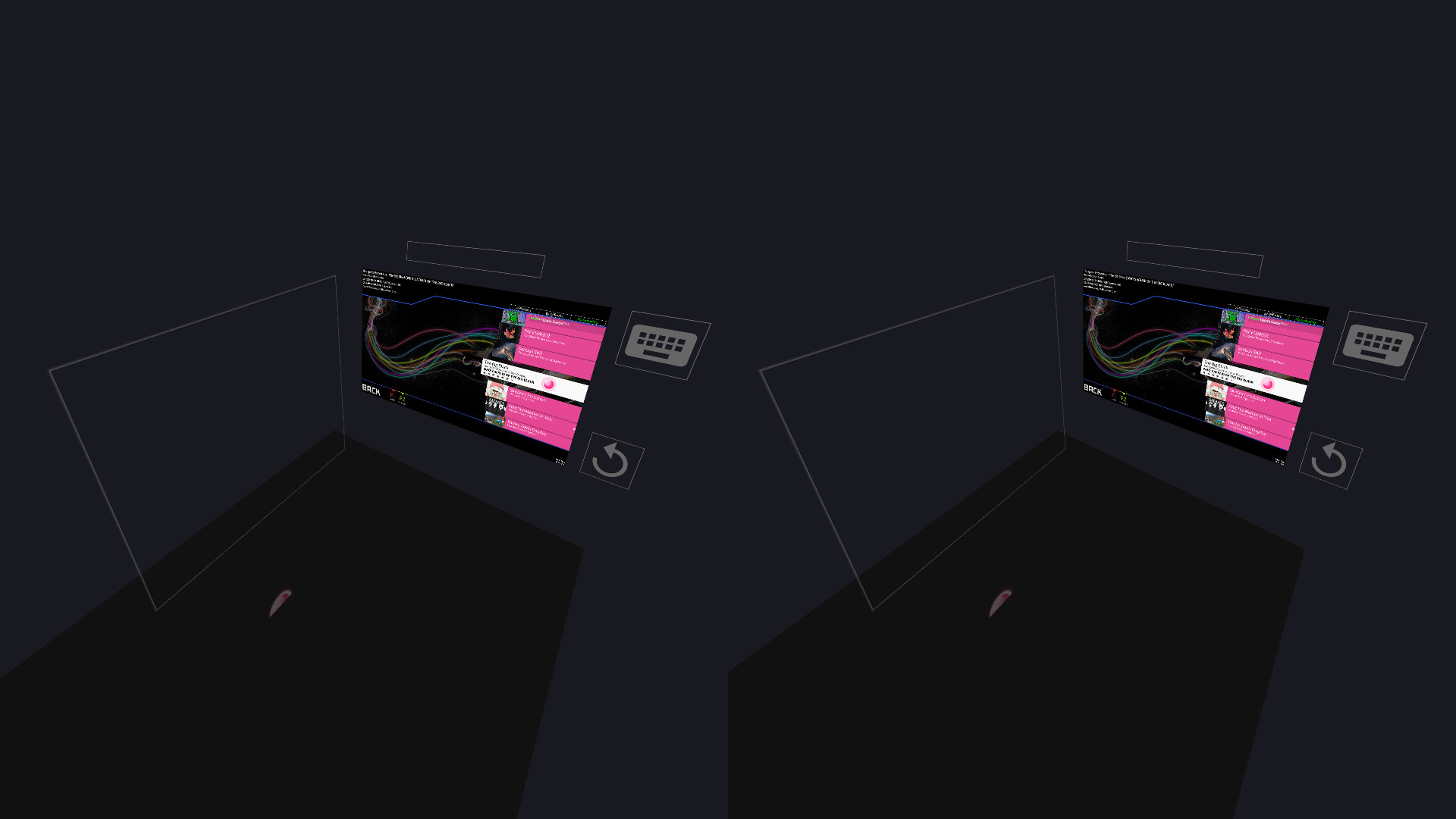
VR gamemode
First-Person 3D gamemode (FPoSu)
Steam Workshop support for skins
Infinite offline profiles with pp ranking
Customizable HP Drain + Notelock algorithms
Beatmaps
If you have osu!(stable) installed, then McOsu will load your beatmaps directly from the default osu!(stable) installation path, although custom paths are also possible
You can use McOsu without installing osu!(stable), it is not recommended though. A guide on manual beatmap management is available in the Steam Community Guides
Creating an official osu! account for downloading beatmaps is not required. You do not have to use the official osu! website to download beatmaps. Third party beatmap mirrors are available, just google for them
osu! VS McOsu
The intention of this game is neither to replace peppy's client, nor to split the community. McOsu was created partially out of frustration, because osu! is lacking many usability features vital to practicing effectively and efficiently. This is currently being rectified in the rewrite of osu! (called osu!lazer), which is an open-source project anyone can contribute to as well.
As a wise man once said, "plz enjoy game".
-
If you want, you can help out with McOsu development on Github, or just take a look at the source code, as this is an open-source project.
-
Skin Credits:
ffffffffffffffffff - "- Jaret - Mish Mosh"
irrlux - "Talrava XIV"
HazrdMC - "Phaze"
Redon - "Aesthetic 1.3"
DarkSlayer000 - "xXx_SampleSkin_xXx v1.3"
Inori - "Stepmania"
taikuta - "Murakumo"
Easy - "Burning_Crow V2"
Icomoon
Freepik
Facts
- Released
- Mar 20, 2017
- In catalog since
- Oct 18, 2026
- Publisher
- McKay
- Developer
- McKay
- Platforms
- PC
- Genres
- Indie
- Features
- Single-player, Tracked Controller Support, VR Supported, Steam Workshop, Family Sharing
- Languages
- English
- Links
- Website
System requirements
Minimum
Minimum:- OS *: Windows 7
- Processor: Not a Potato™
- Memory: 512 MB RAM
- Graphics: OpenGL 3.0 compatible
- Storage: 75 MB available space
- Sound Card: XAudio2 / DirectSound compatible
- VR Support: SteamVR. Standing or Room Scale
Recommended
Recommended:- OS *: Windows 7 or newer
- Processor: Intel® Core™ i5 or better
- Memory: 2 GB RAM
- Graphics: NVIDIA GeForce® GTX 970 (for VR) / AMD Radeon™ R9 290 or better (for VR)
- Storage: 75 MB available space
- Sound Card: XAudio2 / DirectSound compatible