
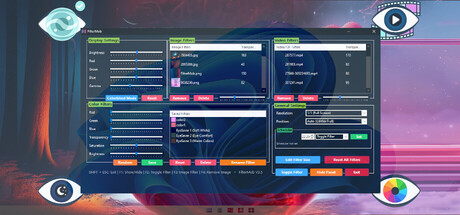
FilterMob – Screen Filter for Gaming, Work & Eye Strain
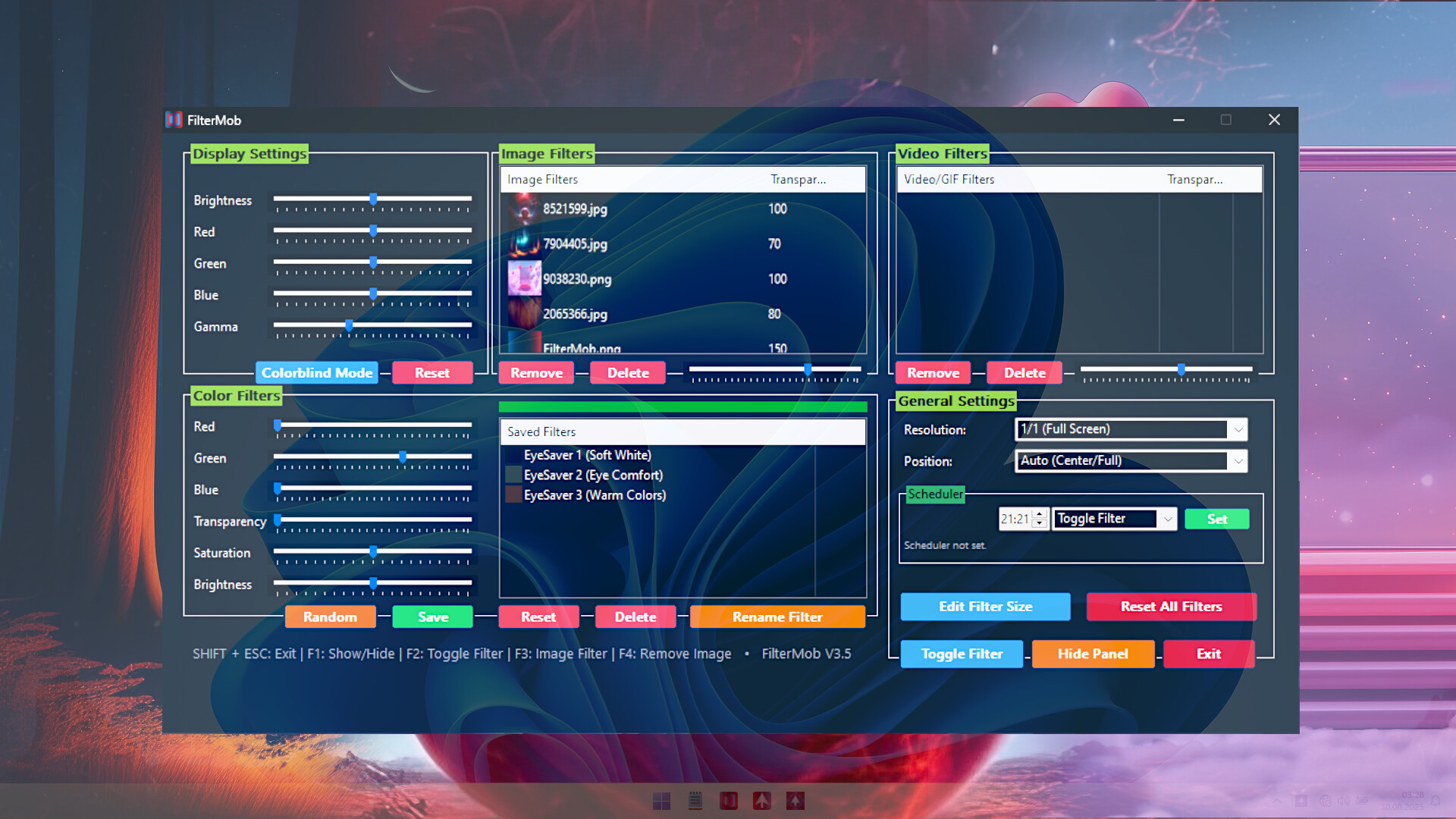
Transform your screen with FilterMob! Perfect for eye protection, gaming/work atmosphere, and accessibility. Easily apply color, image or video filters. Customize RGB, Saturation, Brightness, and Transparency in real time. Save Profiles and Schedule.
 Chile
ChileSteam prices by region
41 regions


No such country
Prices as the storefront shows them, taxes and fees at checkout may differ
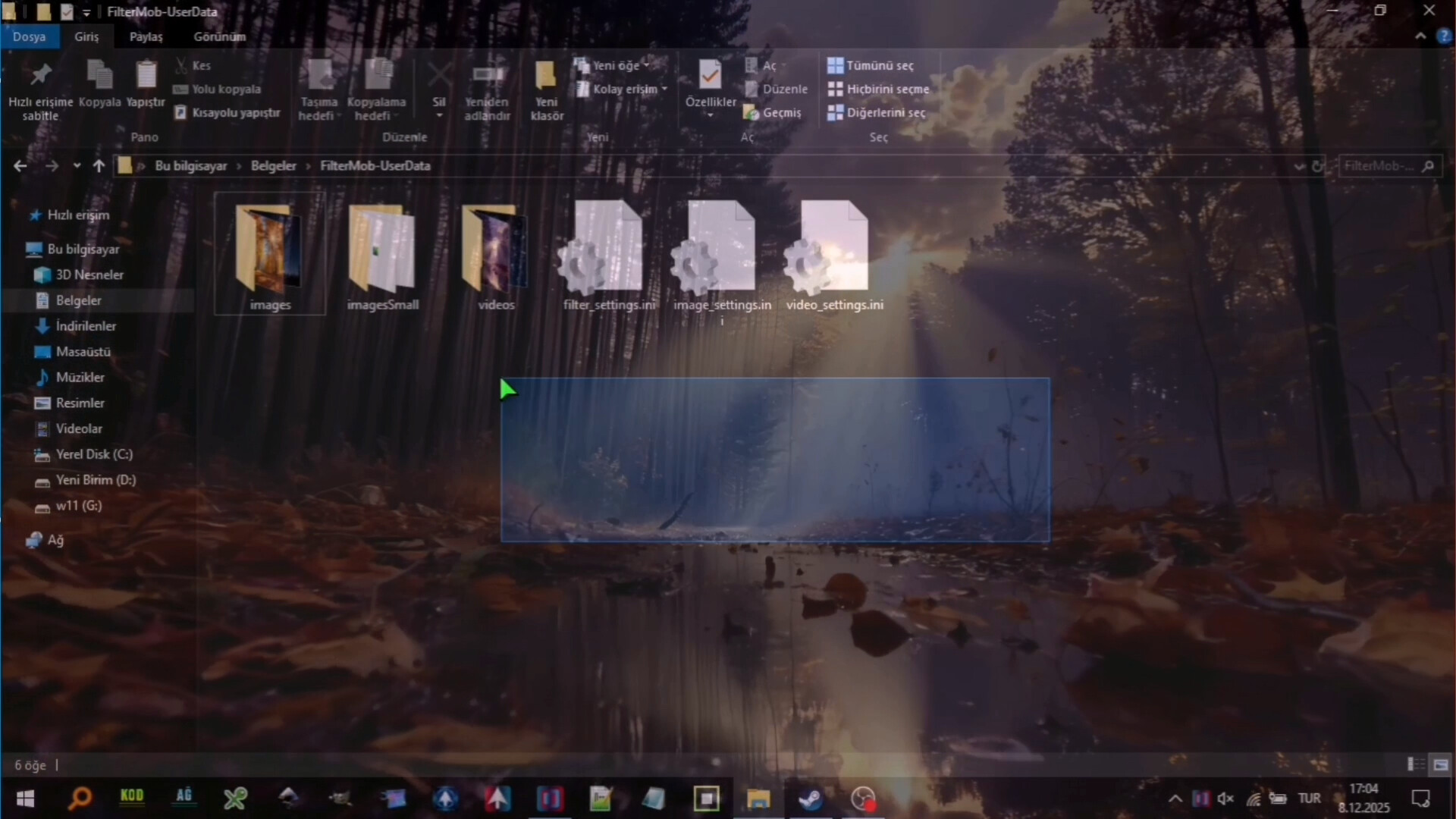
Screenshots and videos
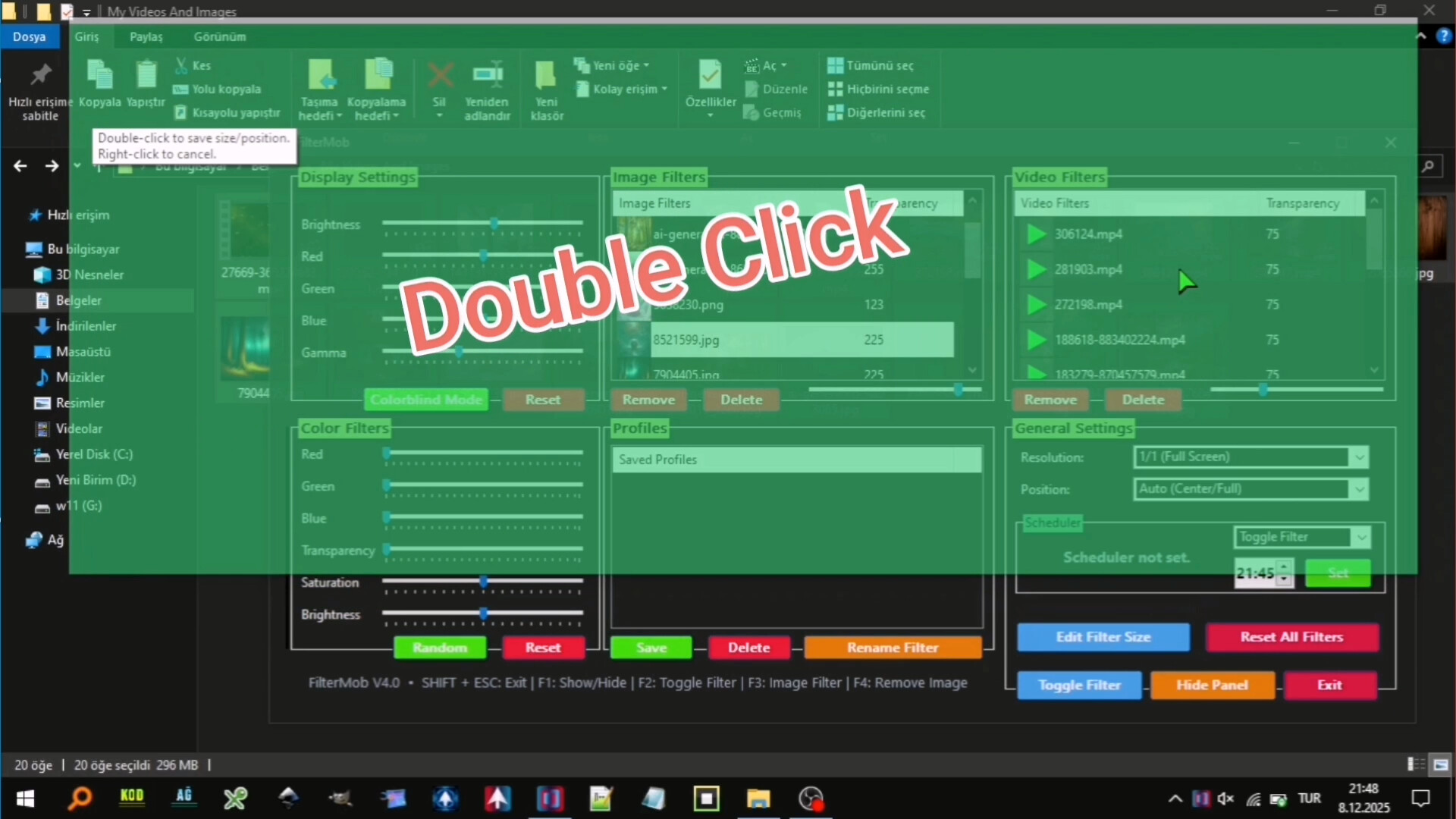
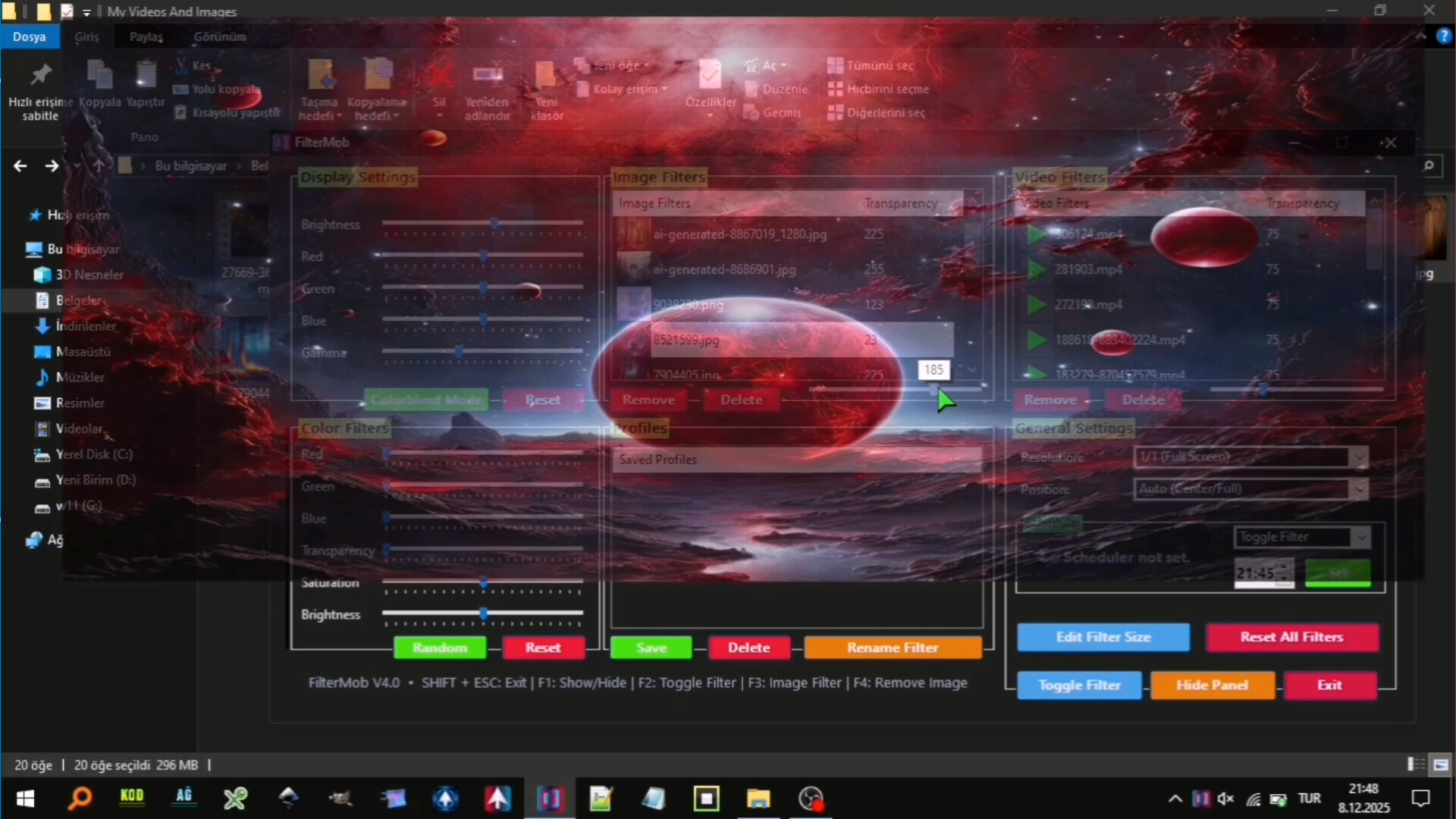
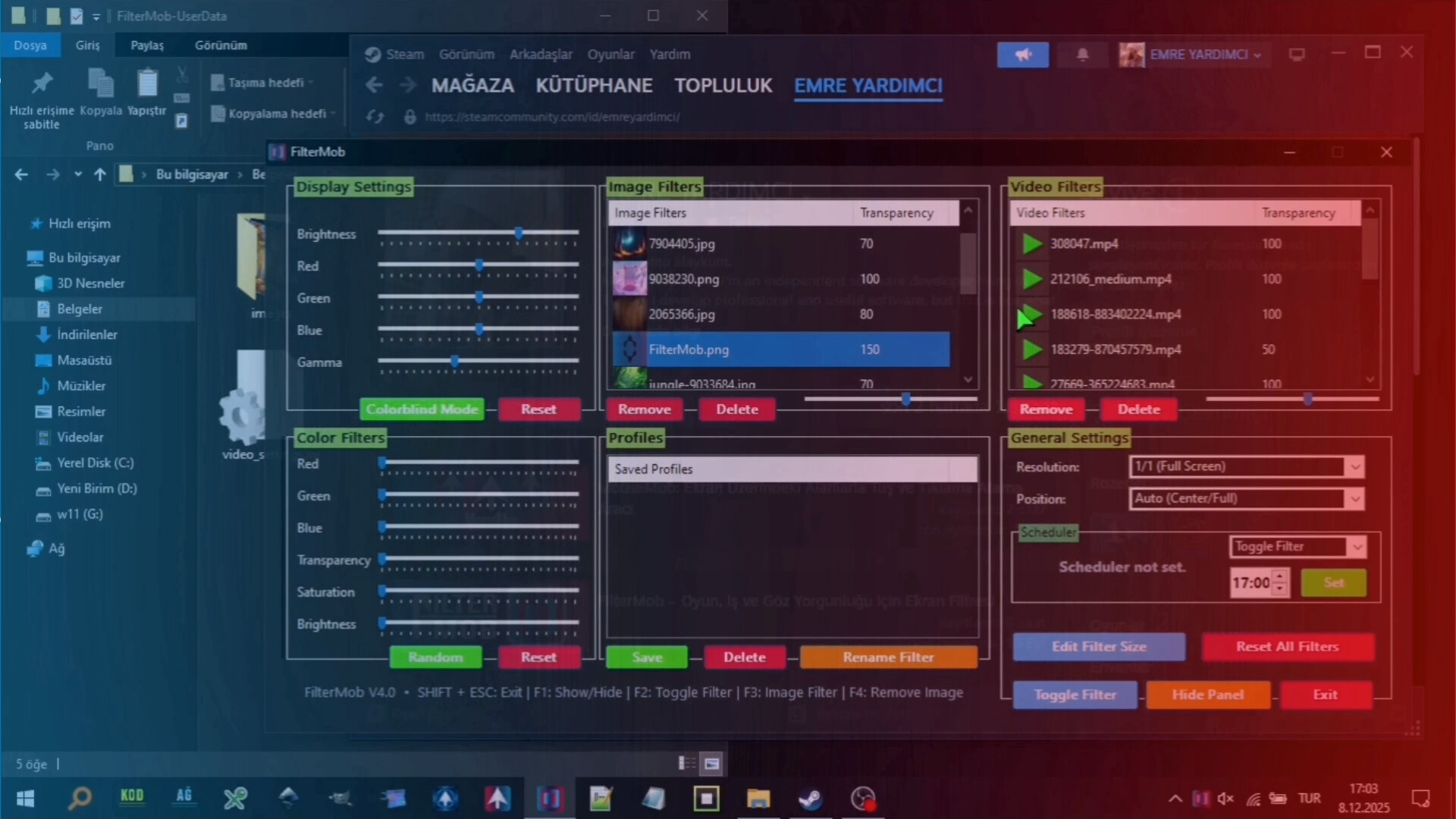
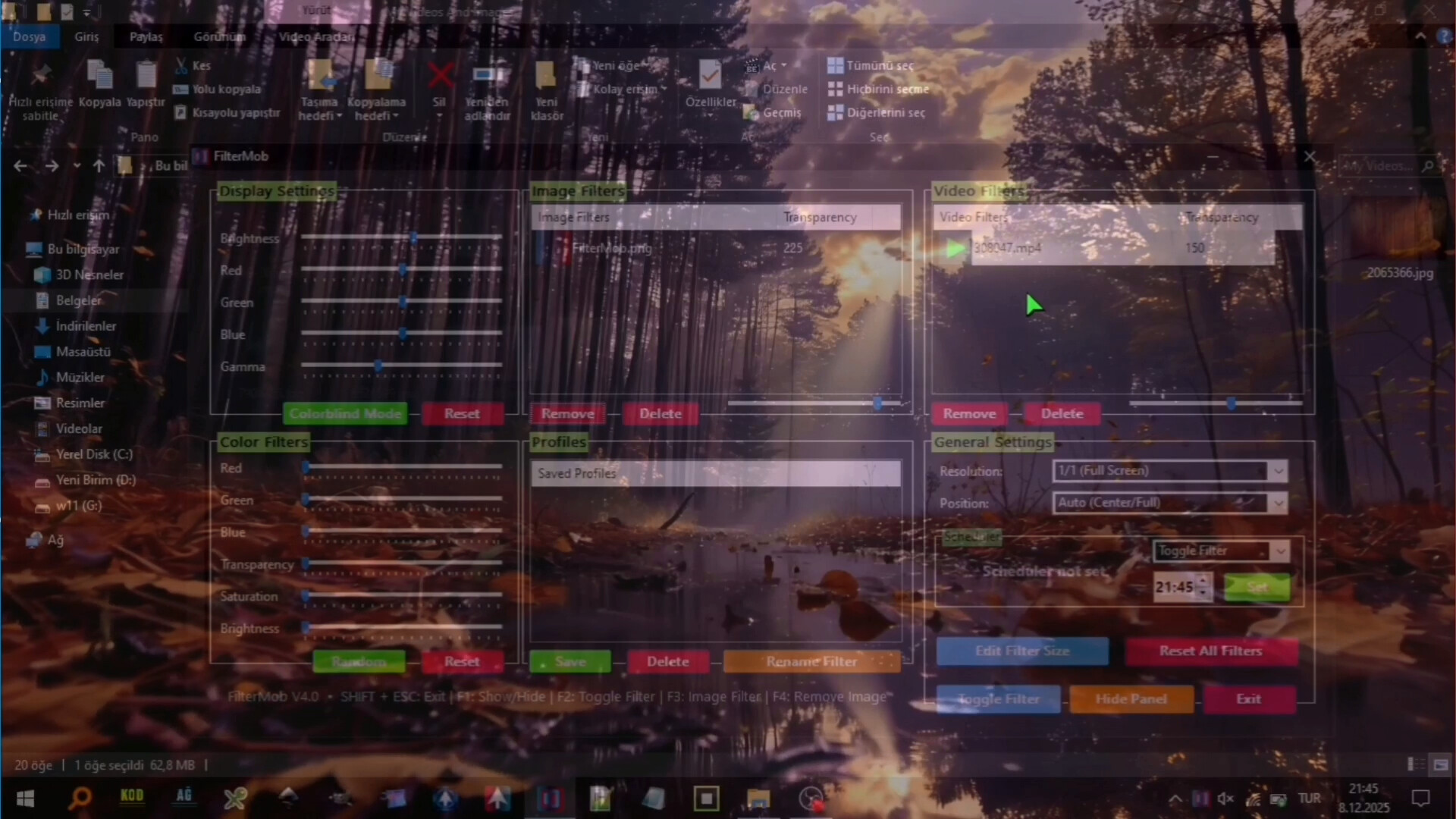
About
A powerful and easy-to-use tool to personalize your visual experience.
• 🚀🖱️ Change atmosphere during gaming or work!
• 👁️ Adjust color and brightness as you wish to protect your eyes!
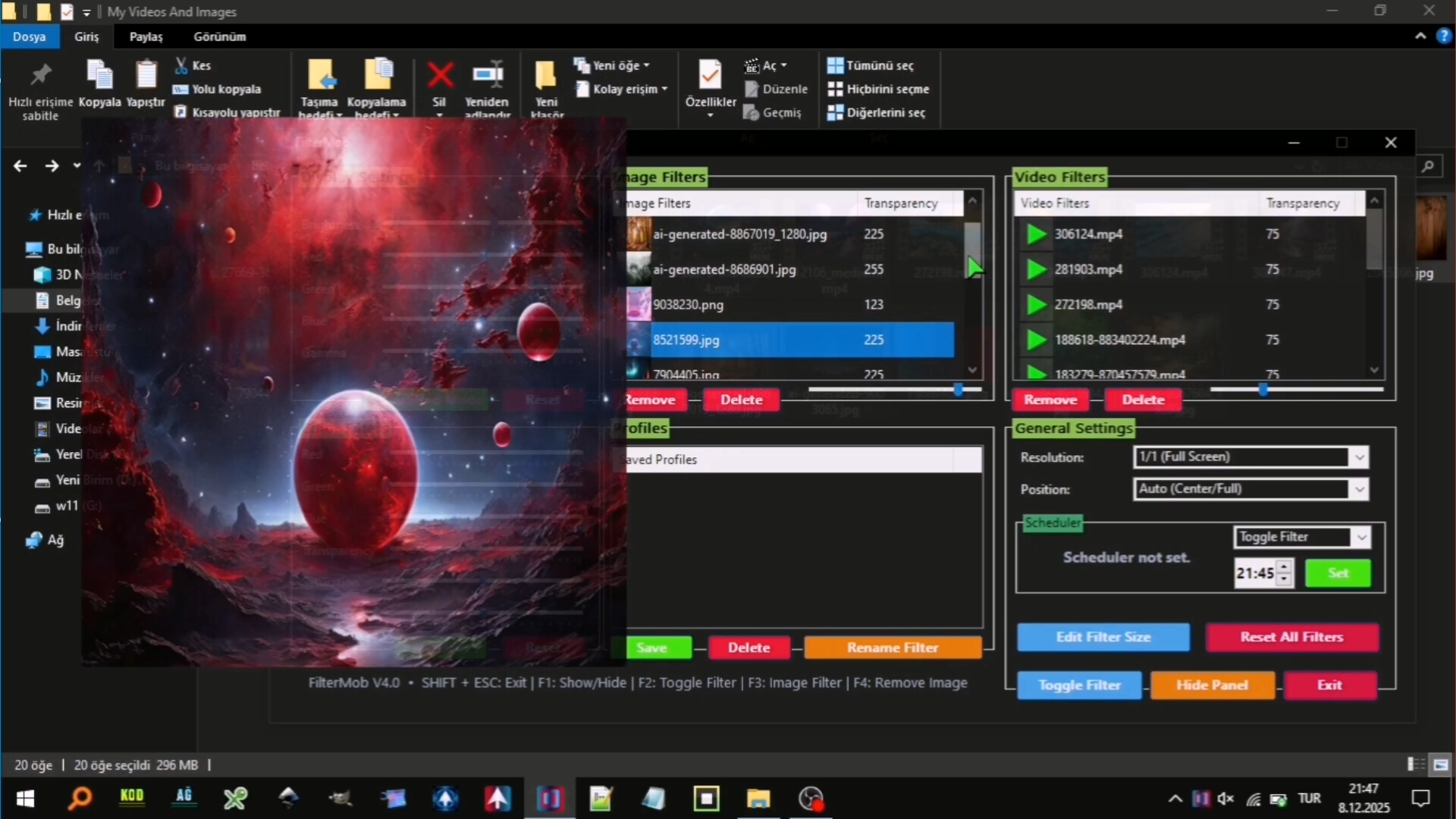
• 🖼️ Use your JPG/PNG images as screen filters!
• 🎥 Use your MP4/WEBM/AVI/MKV/MOV videos as screen filters!
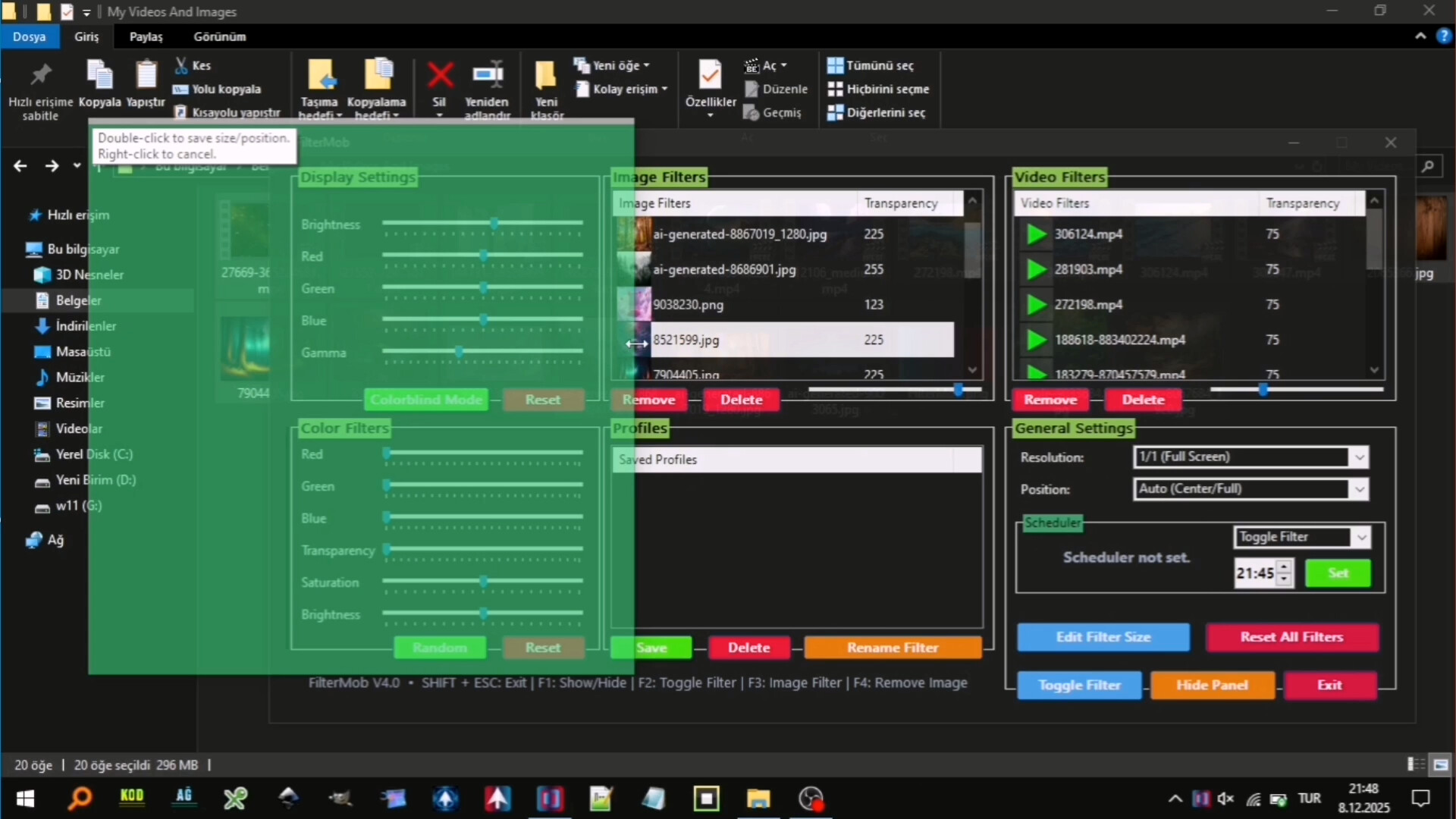
🎨 Color Filters:
Real-time RGB, saturation, brightness adjustment
0-100% transparency control
Save your filters to a list
Easily apply / rename / delete your saved filters
🖼️ Image Filters:
Add JPG/PNG images via drag-and-drop
Image transparency adjustment
Save your images to a list
Easily apply / change opacity / delete your saved images
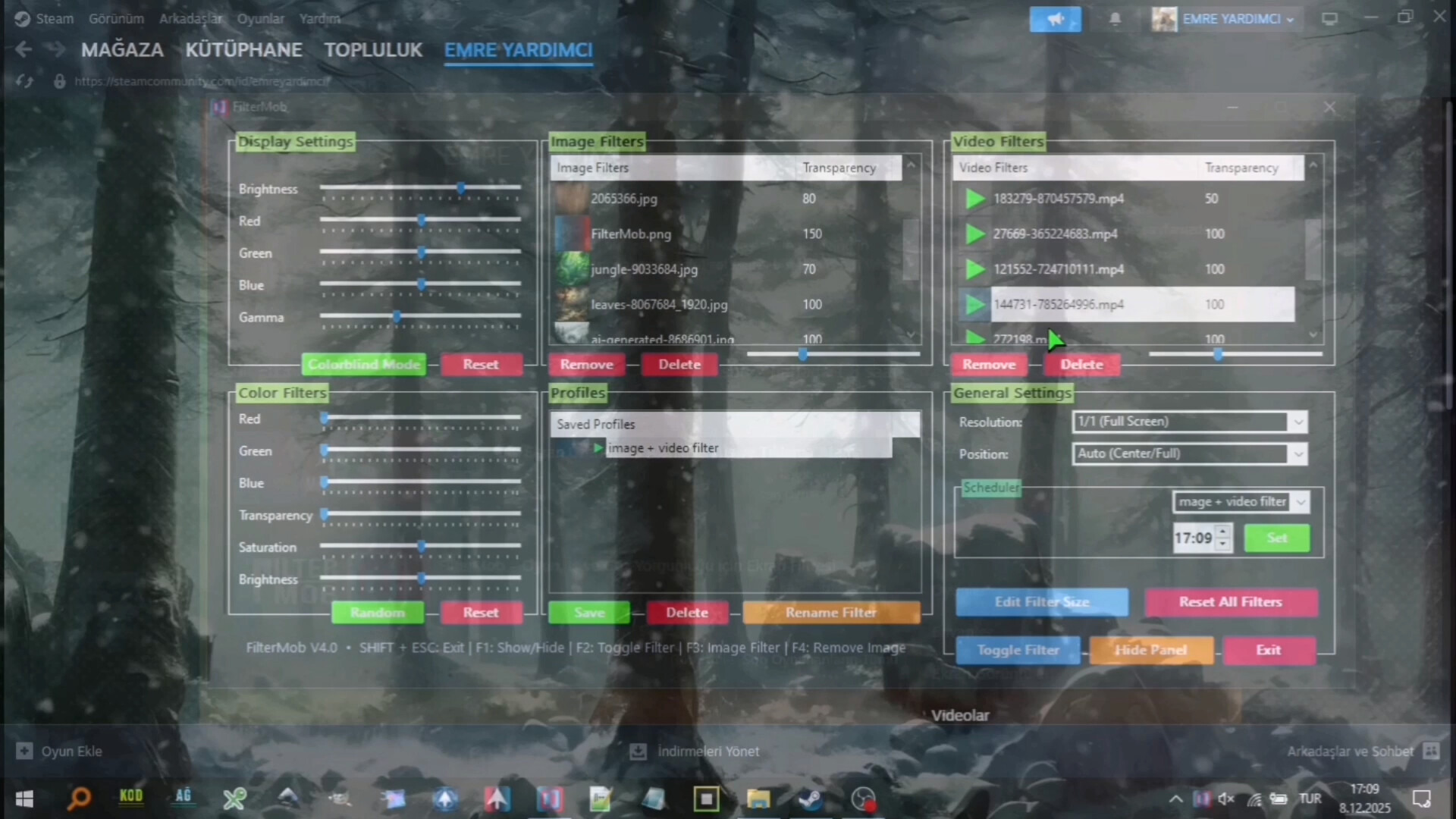
🎥 Video Filters:
Add MP4/WEBM/AVI/MKV/MOV videos via drag-and-drop
Video transparency adjustment
Save your videos to a list
Easily apply / change opacity / delete your saved videos
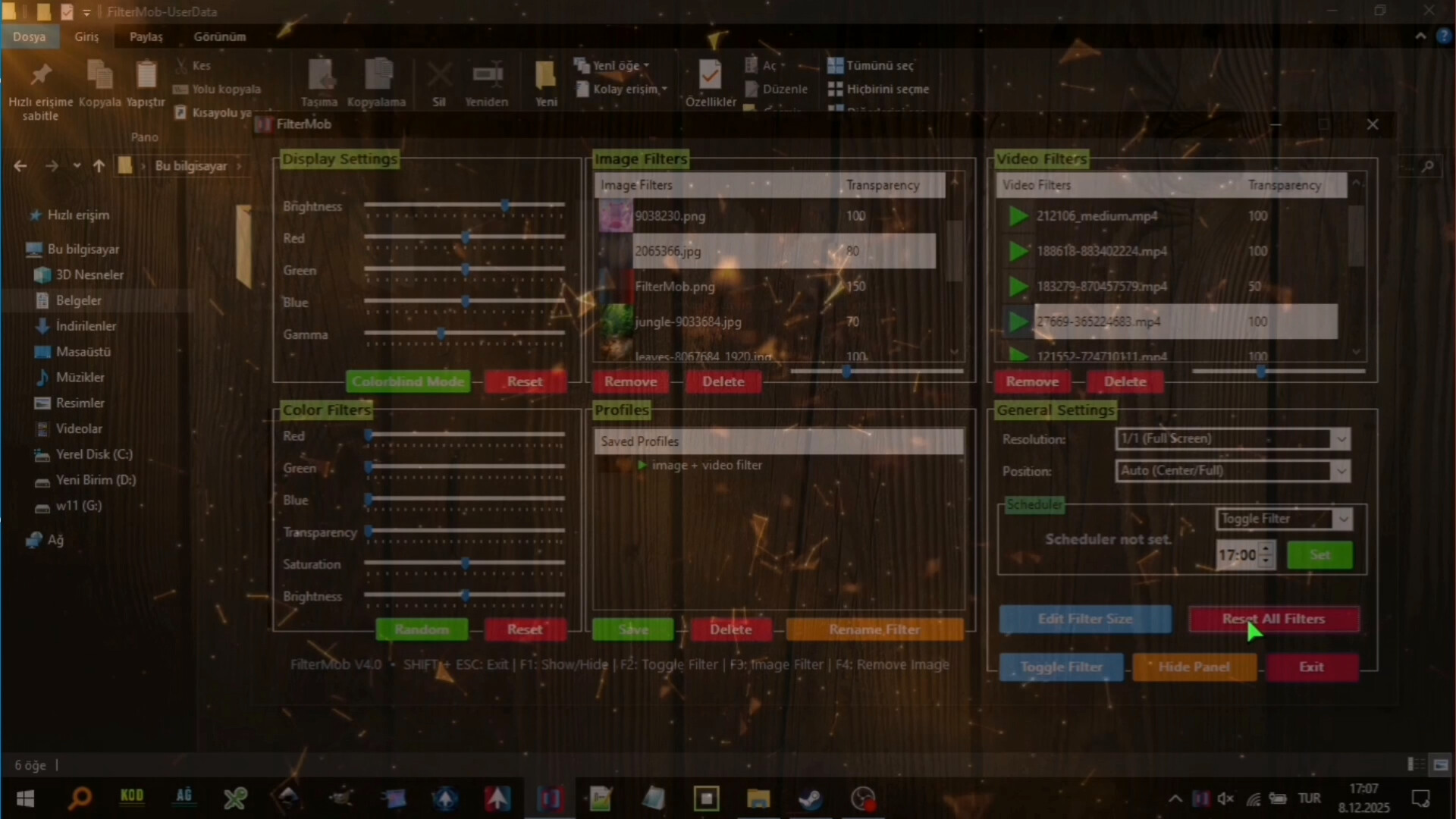
🕒 Scheduler System
With the Scheduler tab, you can set a specific time to automatically:
Toggle the All FilterMob filters on/off
Automatically load a saved profile
Shutdown PC
Restart PC
Lock PC
💾 Advanced Profile Management
You can now save every setting (Color, Image, Video, Gamma, and System Brightness) as a named Profile.000
Saved profiles are now listed with visual icons (Color previews or thumbnails).
Switch between "Game Mode," "Reading Mode," or "Night Mode"... (your profiles) with a single click.
💾 Automatic Save Management:
All settings are automatically saved
Last used filters and overlays are remembered and automatically set at startup
Your settings are safe even in unexpected shutdowns
⚡ Performance
Optimized Efficiency:Designed for low resource consumption.
⌨️ Quick Actions:
Instant control via customizable global shortcuts (Shift+Esc, F-keys)
Automatic system language detection (30+ languages).
Facts
- Released
- Aug 21, 2025
- In catalog since
- Oct 18, 2026
- Publisher
- istenen
- Developer
- istenen
- Platforms
- PC
- Genres
- Utilities
- Features
- Camera Comfort, Color Alternatives, Adjustable Difficulty, Keyboard Only Option, Mouse Only Option, Playable without Timed Input, Save Anytime, Touch Only Option
- Languages
- English, French, Italian, German, Spanish - Spain, Arabic, Simplified Chinese, Portuguese - Brazil, Bulgarian, Danish, Indonesian, Dutch, Finnish, Traditional Chinese, Japanese, Korean, Spanish - Latin America, Polish, Hungarian, Norwegian, Portuguese - Portugal, Romanian, Russian, Thai, Turkish, Ukrainian, Vietnamese, Greek, Czech, Swedish
System requirements
Minimum
Minimum:- Requires a 64-bit processor and operating system
- OS: Windows 10
- Processor: 1 GHz processor
- Memory: 1 GB RAM
- Graphics: Intel HD 520 / AMD Radeon R3
- Storage: 350 MB available space
- Sound Card: Not required
- VR Support: Not supported
Recommended
Recommended:- Requires a 64-bit processor and operating system
- OS: Windows 11
- Processor: 1.5 GHz or faster processor
- Memory: 2 GB RAM
- Graphics: NVIDIA GT 1030 / AMD Radeon RX 550 or higher
- Storage: 350 MB available space
- Sound Card: Not required
- VR Support: Not supported